 Site
WPBakery Review: Features, Pricing & Performance Insights
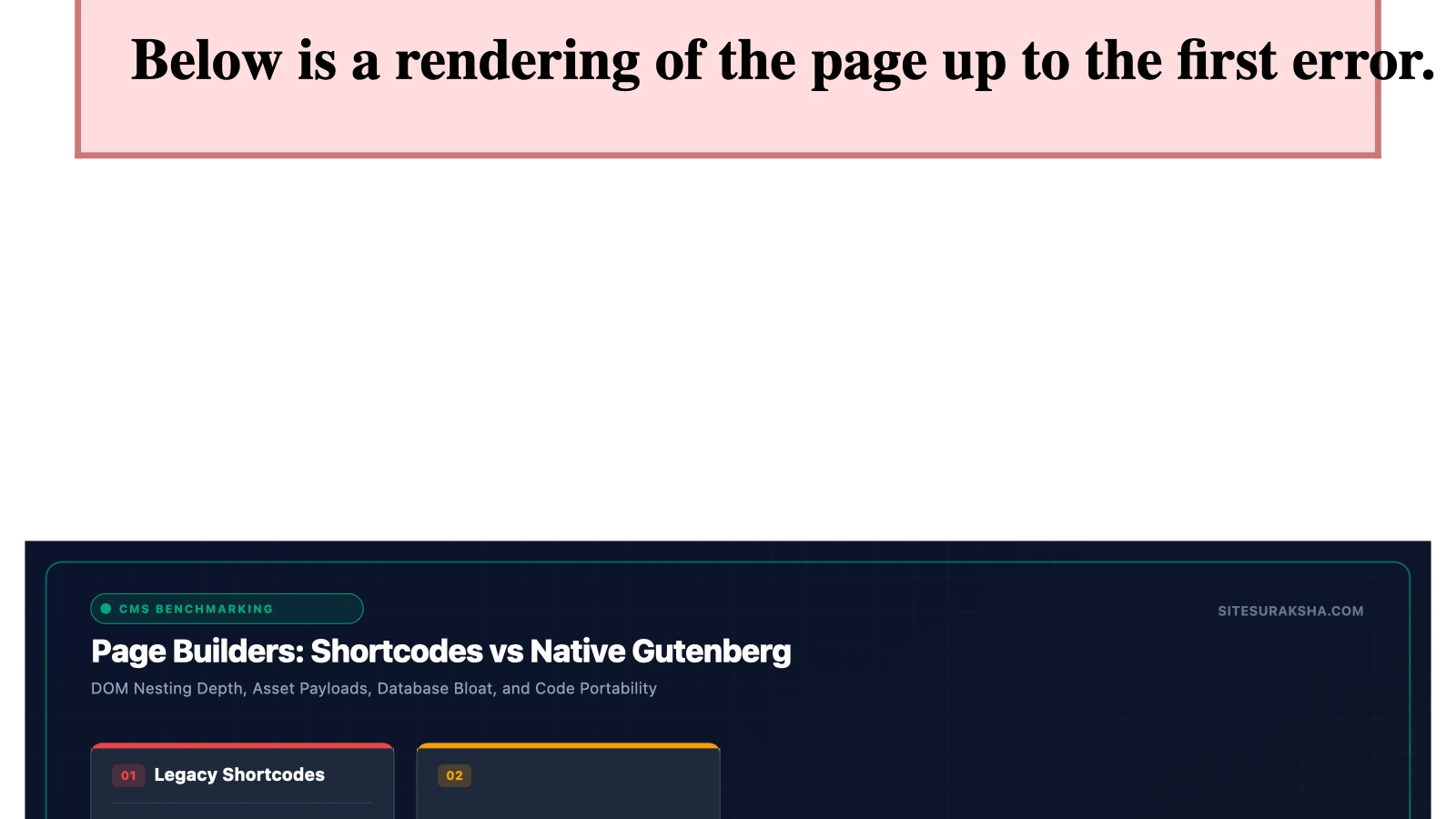
WPBakery Page Builder Review: Features, Pricing, Performance & Security Insights
WPBakery remains one of the most recognizable drag-and-drop page builders in the WordPress ecosystem. Powers millions of websites worldwide, but is it the right fit for your site’s performance, security, and design goals? In this comprehensive review, the experts at SiteSuraksha break down WPBakery’s core features, pricing tiers, speed impact, and security considerations.
What is WPBakery Page Builder?
Originally launched as Visual Composer (before splitting into two distinct products), WPBakery Page Builder is a premium drag-and-drop content builder plugin for WordPress. It allows users to build complex, responsive page layouts without writing a single line of code. Because it is bundled into thousands of popular WordPress themes sold on ThemeForest and CodeCanyon, many site owners find themselves working with WPBakery by default.
Key Features of WPBakery
WPBakery offers a rich toolkit designed to simplify visual site construction for both beginners and experienced developers.
Chat with an engineer on WhatsApp within 15 minutes.
1. Dual Editing Interfaces (Frontend & Backend)
Unlike many modern visual builders that only work on the frontend, WPBakery provides both a inline frontend editor and a structural backend grid editor. The backend editor is ideal for quickly organizing heavy content structures, while the frontend editor allows real-time visual tweaks.
2. Deep Element Library & Add-ons
Out of the box, WPBakery includes over 50 content elements—such as text blocks, image galleries, buttons, accordions, and pricing tables. Furthermore, it boasts an extensive ecosystem of third-party add-ons to expand its functionality.
3. Granular User Role Manager
From a site management and security standpoint, WPBakery’s Role Manager allows site administrators to restrict access to specific builder elements or post types based on user roles (Editor, Author, Contributor). This prevents non-admin users from breaking layouts or inserting unauthorized scripts.
4. Template Library & Presets
Access downloadable layout templates directly from the WPBakery Template Library, or save your own custom rows and section presets for seamless reuse across your site.
Performance & Speed Analysis: The SiteSuraksha Perspective
At SiteSuraksha, web performance and asset optimization are central to keeping WordPress sites fast and high-ranking. Here is how WPBakery holds up when evaluated for speed and clean code:
- Shortcode Architecture: WPBakery relies heavily on shortcodes to render layout elements. While functional, this means that if you deactivate the plugin, your content will leave behind messy, unrendered shortcode tags (known as “shortcode lock-in”).
- Asset Loading: By default, WPBakery loads CSS and JavaScript files across your pages to support its extensive element library. On unoptimized servers, this can contribute to bloat and slow down PageSpeed scores.
- Optimization Potential: WPBakery sites can achieve high performance scores when paired with proper asset cleanup, server-level caching, CSS/JS minification, and image optimization—services that our team at SiteSuraksha routinely manages for client sites.
Security Considerations for WPBakery Sites
Because WPBakery is installed on millions of websites, it is a frequent target for automated vulnerability scans. Keeping your WPBakery instance secure requires proactive maintenance:
- Timely Updates: Like any widely used WordPress plugin, outdated versions of WPBakery can expose your site to vulnerabilities like Cross-Site Scripting (XSS) or Authenticated Remote Code Execution. Always maintain an active license to access security patches promptly.
- Theme Bundling Risks: If your copy of WPBakery came bundled with a theme, plugin updates may rely on theme updates. It is critical to ensure your theme author pushes updates regularly or to buy a standalone WPBakery license for direct core updates.
- Access Control: Utilize the built-in Role Manager to prevent unauthorized users from using custom HTML blocks or altering global grid settings.
WPBakery Pricing Structure
WPBakery offers a straightforward pricing model without recurring monthly subscriptions for basic updates, making it a cost-effective choice for many businesses:
| License Tier | Ideal For | Key Highlights |
|---|---|---|
| Regular License | Single WordPress Site | Lifetime use on 1 site, 6 months of premium support, access to Template Library. |
| 5 Sites License | Small Agencies / Multi-Site Owners | Multi-site management, direct updates, dedicated customer support. |
| 10 Sites License | Growing Web Businesses | Bulk licensing discount, direct access to core updates and security patches. |
Pros and Cons
Pros:
- Dual frontend and backend editors provide editing flexibility.
- One-time purchase cost with long-term usage rights.
- Massive ecosystem of compatible themes and add-on plugins.
- Built-in access control and role management for enhanced governance.
Cons:
- Shortcode dependency can make migrating away from WPBakery challenging.
- Can introduce asset bloat if page resources are not actively managed and cached.
- Theme-bundled versions often suffer from delayed security updates.
Final Verdict: Should You Use WPBakery?
WPBakery remains a robust, flexible option for building custom WordPress layouts—especially if you are working with a theme designed specifically around it. While newer block-based editors offer a lighter footprint, WPBakery’s backend grid builder and rich feature set continue to deliver value for businesses of all sizes.
However, to ensure your WPBakery-powered site remains fast, resilient, and fully secure, continuous monitoring, performance tuning, and regular security audits are essential.
Is Your Website Fast & Secure?
Run an instant scan for security vulnerabilities, bloated plugins, and TTFB latency.
Need Help Securing or Speeding Up Your Site?
Get 24/7 proactive security WAF, daily cloud backups, and sub-second speed optimization from ₹3,470/mo.