 Site
WooCommerce GEO: How to Optimize Your Store for AI Search
WooCommerce GEO: How to Optimize Your Store for AI Search
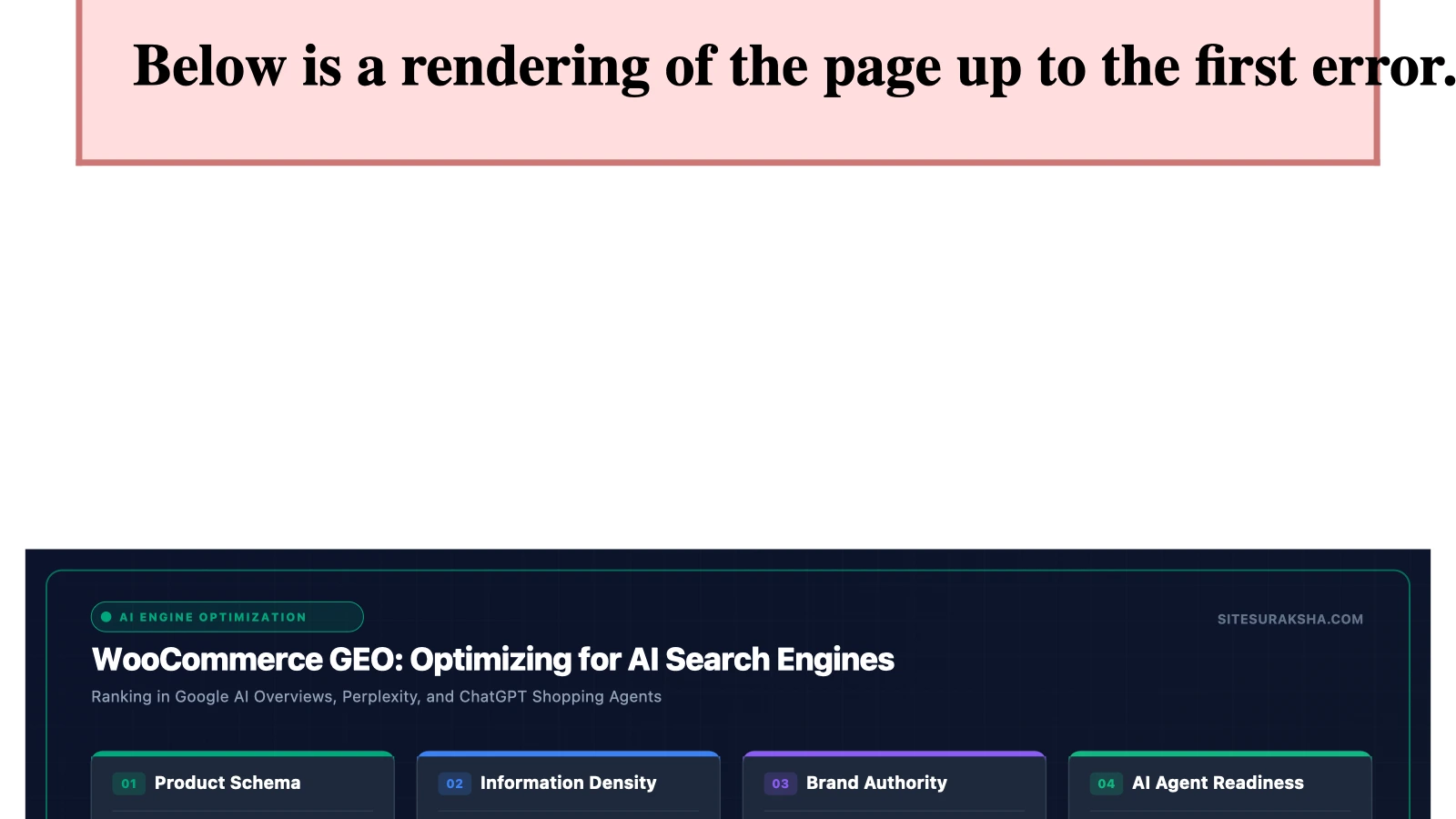
The shift from deterministic keyword-matching engines to probabilistic Large Language Model (LLM) search interfaces requires a fundamental restructuring of WooCommerce data architectures. Generative Engine Optimization (GEO) is the technical discipline of configuring structured data, API endpoints, deterministic server responses, and semantic content hierarchies so that AI-driven answer engines parse, index, and synthesize store catalogs into conversational recommendations.
Problem Statement & Impact
Traditional e-commerce optimization targeted static HTML DOM structures and inverted index search algorithms like classic Lucene implementations. Modern AI search systems, including retrieval-augmented generation (RAG) pipelines, semantic vector databases, and multi-modal autonomous shopping agents, ingest unstructured and structured data simultaneously. These systems do not merely rank pages; they synthesize multi-source data to formulate definitive answers.
WooCommerce installations often suffer from systemic architectural bottlenecks that impede effective AI crawling and ingestion:
Chat with an engineer on WhatsApp within 15 minutes.
- Fragmented DOM and Poor Semantic Nesting: Heavy reliance on deeply nested page builders results in DOM trees where critical product specifications, pricing matrices, and inventory states are buried under superfluous layout wrappers.
- Incomplete Schema Graphs: Default WooCommerce and third-party plugin outputs frequently generate disconnected JSON-LD snippets rather than a unified, interconnected Knowledge Graph spanning
Product,Offer,AggregateRating,Brand, andFAQPagenodes. - Aggressive Bot Mitigation Collateral Damage: Naive Web Application Firewall (WAF) configurations and rate-limiting rules often block or challenge legitimate LLM scraper user-agents (e.g., OpenAI, Anthropic, Perplexity crawlers), completely removing the store from conversational discovery engines.
- Unoptimized Server-Side Rendering Latency: Slow Time to First Byte (TTFB) and unoptimized database queries cause LLM scraping budgets to time out before critical product taxonomy pages are fully parsed.
Inaction results in complete invisibility within zero-click, conversational, and AI-driven shopping environments. While legacy rankings may fluctuate, traffic originating from high-intent AI referral channels will bypass the store entirely, leading to depressed conversion rates and diminished customer acquisition efficiency.
Root Cause Analysis & Architecture
To understand why standard WooCommerce setups fail in AI search engines, one must analyze the RAG ingestion pipeline. When an LLM search engine indexes an e-commerce site, it executes three distinct phases: HTTP retrieval, DOM and structured data extraction, and vector embedding generation.
During the HTTP retrieval phase, the crawler requests the resource. If the WooCommerce server takes longer than 2,000ms to generate the response—often due to unindexed SQL queries in wp_postmeta or unoptimized session management—the crawler drops the connection. Once retrieved, the parsing engine looks for JSON-LD structured data. If the store relies strictly on visual cues (such as CSS styling to show that an item is “InStock”), the LLM fails to programmatically capture inventory status.
Furthermore, LLM embeddings rely heavily on contextual proximity. Traditional product descriptions written as fragmented keyword lists fail to establish semantic relationships between attributes (e.g., material, dimensions, compatibility, and use cases). AI search models require explicit entity relationships mapped via Schema.org properties:
{
  "@context": "https://schema.org/",
  "@type": "Product",
  "name": "Enterprise Secure Managed WooCommerce Hosting",
  "image": "https://example.com/images/product.jpg",
  "description": "High-performance hardened hosting environment for WooCommerce featuring automated threat mitigation and redis object caching.",
  "sku": "WC-SEC-001",
  "brand": {
    "@type": "Brand",
    "name": "SiteSuraksha"
  },
  "offers": {
    "@type": "Offer",
    "url": "https://example.com/product/hosting",
    "priceCurrency": "USD",
    "price": "99.00",
    "priceValidUntil": "2026-12-31",
    "itemCondition": "https://schema.org/NewCondition",
    "availability": "https://schema.org/InStock"
  }
}
If this schema graph is missing or disconnected from the contextual text of the page, the RAG pipeline cannot assign confidence scores to the product data, discarding it during synthesis.
Step-by-Step Implementation & Remediation Guide
Implementing a robust GEO strategy requires systematic updates to the WooCommerce database queries, theme templates, structured data outputs, and server-level access rules.
Step 1: Programmatic Injection of Unified JSON-LD Knowledge Graphs
Do not rely entirely on default plugin schema generators, as they often create isolated nodes. Implement a programmatic function in your theme’s functions.php or via a custom functionality plugin to output a complete, nested JSON-LD graph for single product views.
add_action('wp_head', 'sitesuraksha_output_ai_geo_schema', 5);
function sitesuraksha_output_ai_geo_schema() {
if (!is_product()) {
return;
}
global $product;
$schema = array(
'@context' => 'https://schema.org/',
'@type' => 'Product',
'name' => $product->get_name(),
'description' => wp_strip_all_tags($product->get_description()),
'sku' => $product->get_sku(),
'offers' => array(
'@type' => 'Offer',
'price' => $product->get_price(),
'priceCurrency' => get_woocommerce_currency(),
'availability' => $product->is_in_stock() ? 'https://schema.org/InStock' : 'https://schema.org/OutOfStock',
'url' => get_permalink($product->get_id()),
),
);
echo '';
}This snippet hooks into the WordPress header action, evaluates whether the current context is a WooCommerce product page, and constructs an explicit, machine-readable JSON-LD entity that AI crawlers can ingest instantly without parsing complex DOM structures.
Step 2: Restructuring Product Content for Semantic Vector Ingestion
To optimize for LLM embeddings, rewrite product copy to directly answer explicit buyer queries. Incorporate structured attribute tables and explicit FAQ blocks using the FAQPage schema.
<div class="geo-faq-section" itemscope itemtype="https://schema.org/FAQPage">
  <div itemscope itemprop="mainEntity" itemtype="https://schema.org/Question">
    <h3 itemprop="name">What is the maximum concurrent user load supported?</h3>
    <div itemscope itemprop="acceptedAnswer" itemtype="https://schema.org/Answer">
      <p itemprop="text">The architecture supports up to 5,000 concurrent requests per second utilizing Redis object caching and edge CDN caching.</p>
    </div>
  </div>
</div>
This explicit question-and-answer pairing mirrors the exact query structures used by conversational search agents, dramatically increasing the probability of direct citation in AI-generated answers.
Step 3: Configuring WAF and Crawler Access Policies
Ensure your Web Application Firewall and robots.txt file do not block legitimate LLM indexing user-agents. Review your server configuration and adjust rate limiting for verified autonomous agents.
# robots.txt configuration for AI Search Engine Crawlers
User-agent: GPTBot
Allow: /wp-json/wc/v3/
Allow: /product/
Disallow: /wp-admin/
Disallow: /cart/
Disallow: /checkout/

User-agent: OAI-SearchBot
Allow: /
Disallow: /wp-admin/
Disallow: /my-account/

User-agent: PerplexityBot
Allow: /
Disallow: /checkout/
Using these directives ensures that autonomous shopping assistants and search indexing bots can access public product catalogs and REST endpoints while keeping administrative and transactional pathways secure.
Step 4: Database Optimization for Fast LLM Crawler Responses
AI crawlers operate under strict time budgets. If your database contains bloated transient data or unindexed postmeta tables, crawler requests will timeout. Execute the following SQL queries via WP-CLI or your database console to optimize tables:
wp db query "DELETE FROM wp_options WHERE option_name LIKE '_transient_%' OR option_name LIKE '_site_transient_%';"
wp db query "OPTIMIZE TABLE wp_postmeta, wp_posts, wp_woocommerce_order_items;"
Cleaning transients and optimizing primary WooCommerce tables drastically reduces execution time, ensuring that AI bots receive a 200 OK response well before their connection timeouts trigger.
Production Hardening & Edge Cases
Deploying GEO changes to a high-volume production WooCommerce store introduces specific caching and performance trade-offs that must be managed carefully.
- Dynamic Pricing and Stock Cache Invalidation: If you utilize dynamic pricing rules, multi-currency switchers, or real-time inventory adjustments, aggressive full-page caching can serve stale Schema data to AI crawlers. Implement fragment caching or utilize Edge Side Includes (ESI) to ensure that the JSON-LD schema renders real-time inventory and pricing metrics without breaking the global page cache.
- REST API Rate Limiting for AI Agents: Exposing WooCommerce REST endpoints to assist external AI agents can lead to resource exhaustion if not properly throttled. Implement token bucket rate limiting on your API gateway or Nginx configuration to restrict unauthenticated requests to read-only product endpoints (e.g.,
/wp-json/wc/v3/products). - Handling Headless and Hybrid Frontends: If your WooCommerce store utilizes a decoupled headless architecture (such as WordPress coupled with a Next.js frontend), ensure that Server-Side Rendering (SSR) or Incremental Static Regeneration (ISR) accurately injects JSON-LD into the initial server response payload rather than relying on client-side JavaScript execution, which many basic LLM scrapers fail to render.
To validate your implementation in staging and production, test your URLs using structured data testing utilities and curl commands to inspect raw server responses:
curl -I -A "GPTBot" https://example.com/product/sample-product/Verify that the response returns an HTTP 200 OK status code and that the HTML payload contains the expected JSON-LD schema block within the <head> section.
Diagnostic Verification & Checklist
Perform the following post-implementation checks to ensure your WooCommerce store is fully optimized and accessible for AI search engines.
| Verification Step | Tool / Command | Target Metric / Expected Result |
|---|---|---|
| JSON-LD Schema Validation | Google Rich Results Test / Schema Validator | Zero errors, complete Product, Offer, and FAQPage nodes detected. |
| Crawler Accessibility Check | curl -I -A "GPTBot" https://example.com/product/ |
HTTP status code 200 OK (No WAF challenges or 403 blocks). |
| Server TTFB Performance | WebPageTest / Chrome DevTools Network Tab | Time to First Byte under 600ms for cached product requests. |
| Robots.txt Parsing | Search Console / Custom Fetch Script | Confirmed allowance of designated AI user-agents on product paths. |
| Database Integrity | WP-CLI (wp db check) |
All WooCommerce and WordPress core tables reported as OK. |
Monitoring server access logs for AI crawler user-agents (GPTBot, OAI-SearchBot, PerplexityBot, ClaudeBot) provides empirical validation of your GEO strategy. Tracking an increase in crawl frequency alongside stable server latency metrics ensures your store remains accurately indexed and prominently featured in conversational AI discovery engines.
Secure and Optimize Your WooCommerce Store Today
Ensure your digital storefront is fast, secure, and ready for the future of search with SiteSuraksha’s expert maintenance and security solutions.
Is Your Website Fast & Secure?
Run an instant scan for security vulnerabilities, bloated plugins, and TTFB latency.
Need Help Securing or Speeding Up Your Site?
Get 24/7 proactive security WAF, daily cloud backups, and sub-second speed optimization from ₹3,470/mo.