 Site
What Is Augmented Cloud Cost Optimization?
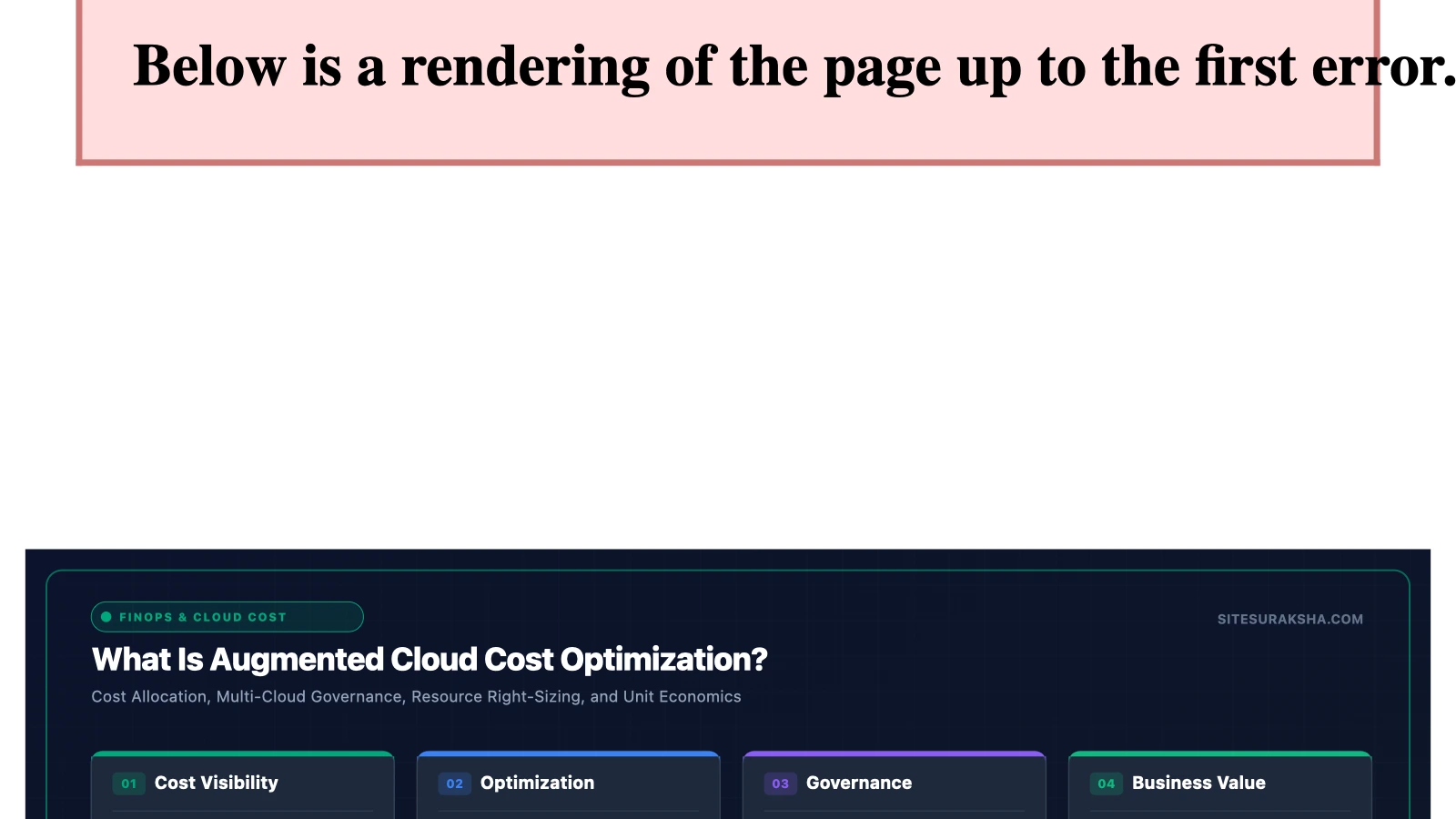
What is Augmented Cloud Cost Optimization?


Chat with an engineer on WhatsApp within 15 minutes.
Problem Statement & Impact
Modern enterprise cloud architectures present an intricate challenge regarding financial governance and resource efficiency. Organizations running distributed systems across AWS, Google Cloud Platform, and Microsoft Azure frequently experience runaway cloud expenditure. This fiscal inflation stems from dynamic developer provisioning, decoupled microservice deployments, over-provisioned Kubernetes node groups, and ephemeral compute instances left running past their intended operational lifecycles. Traditional cost management approaches rely on periodic human audits, static tagging policies, and lagging billing dashboards. These retrospective methods fail to intercept waste at the point of origin—the code commit and the infrastructure-as-code (IaC) pipeline.
The financial and technical consequences of failing to implement proactive cloud cost governance are severe. Unmonitored staging environments left active over weekends, orphan Persistent Volumes consuming high-performance block storage, and unoptimized container memory limits drain operational budgets without generating business value. Furthermore, engineering teams waste countless hours investigating complex billing statements rather than building resilient application logic. In environments scaling rapidly to handle high transaction volumes, manual cost allocation becomes mathematically impossible, exposing the organization to margin compression and architectural bloat.
Root Cause Analysis & Architecture
The underlying mechanics of cloud overspending can be traced to the decoupling of infrastructure deployment from immediate economic feedback loops. Developers write Terraform, CloudFormation, or Kubernetes manifests focusing entirely on uptime and performance SLAs while remaining blind to unit economics. When a deployment script specifies an enterprise-grade compute family (such as memory-optimized or GPU-accelerated instances) where a general-purpose compute instance would suffice, the cloud provider readily provisions the resource. Because cloud infrastructure abstracts physical hardware, the cost impact is hidden until monthly billing aggregation occurs.
At an architectural level, traditional dashboards act as reactive logging tools rather than active enforcement engines. They aggregate API billing logs via CloudWatch, BigQuery, or Azure Cost Management Exports, processing cost allocation tags hours or days after resources are consumed. Augmented Cloud Cost Optimization shifts this architecture from reactive monitoring to proactive interception. By integrating predictive machine learning models directly into continuous integration and continuous deployment (CI/CD) pipelines, telemetry ingestion engines analyze historical utilization metrics, CPU throttling events, memory pressure statistics, and network throughput before infrastructure changes are merged to production branches.
Step-by-Step Implementation & Remediation Guide
Implementing Augmented Cloud Cost Optimization requires deploying automated analysis engines that intercept infrastructure definitions, evaluate spending anomalies, and apply programmatic corrections. Below is a practical guide detailing how to configure an automated cost-governance scanning pipeline using Terraform validation checks and custom optimization scripts.
Step 1: Define Infrastructure Cost Policies
Create a centralized policy configuration file that defines maximum resource limits, permitted instance families, and mandatory tagging schemas for all infrastructure-as-code deployments.
# Create the policy validation directory structure
mkdir -p /etc/sitesuraksha/policies
cat << 'EOF' > /etc/sitesuraksha/policies/cost_governance.rego
package sitesuraksha.cost

default allow = false

# Deny oversized compute instances in non-production environments
deny[msg] {
    input.resource_type == "aws_instance"
    input.environment != "production"
    startswith(input.instance_type, "c6i.")
    msg := sprintf("Cost violation: Instance type %v is prohibited in non-prod environments.", [input.instance_type])
}

# Enforce mandatory cost allocation tags
deny[msg] {
    resource := input.resources[_]
    not resource.tags.CostCenter
    msg := sprintf("Compliance violation: Resource %v lacks mandatory tag 'CostCenter'.", [resource.name])
}
EOF
Step 2: Implement Automated CI/CD Pipeline Scanning
Integrate automated validation checks into your version control system. The following GitHub Actions workflow snippet executes policy checks against Terraform plans before any cloud resources are modified.
name: Augmented Cost Governance Scan
on:
  pull_request:
    branches: [ main ]
    paths:
      - 'terraform/**'

jobs:
  cost-audit:
    runs-on: ubuntu-latest
    steps:
      - name: Checkout Repository
        uses: actions/checkout@v3

      - name: Setup Terraform
        uses: hashicorp/setup-terraform@v2

      - name: Generate Terraform Execution Plan
        run: |
          cd terraform/
          terraform init
          terraform plan -out=tfplan.binary
          terraform show -json tfplan.binary > tfplan.json

      - name: Run Policy Evaluation Engine
        run: |
          python3 -m pip install sitesuraksha-cost-engine
          sitesuraksha-eval --plan terraform/tfplan.json --policy /etc/sitesuraksha/policies/cost_governance.rego
Step 3: Deploy Runtime Resource Optimization Script
For workloads already running in production, deploy a lightweight Python automation script utilizing the cloud provider SDK to identify underutilized block storage volumes and unattached elastic IP addresses.
# Python script for identifying and tagging orphaned EBS volumes for automated pruning
import boto3
from datetime import datetime, timezone

def audit_orphan_volumes():
    ec2 = boto3.client('ec2', region_name='us-east-1')
    volumes = ec2.describe_volumes(
        Filters=[{'Name': 'status', 'Values': ['available']}]
    )

    print(f"[*] Scanning for unattached volumes at {datetime.now(timezone.utc)}")
    for vol in volumes['Volumes']:
        vol_id = vol['VolumeId']
        size = vol['Size']
        created = vol['CreateTime']
        print(f"[!] Orphaned Volume Found: {vol_id} ({size} GB), Created: {created}")

        # Apply quarantine tag for lifecycle automation
        ec2.create_tags(
            Resources=[vol_id],
            Tags=[{'Key': 'LifecycleState', 'Value': 'PendingPruning'}]
        )

if __name__ == "__main__":
    audit_orphan_volumes()
Production Hardening & Edge Cases
Deploying automated cost optimization engines in enterprise environments introduces distinct operational challenges. Misconfigured automation rules can inadvertently terminate critical stateful databases, disrupt failover mechanisms, or violate compliance frameworks by deleting audit logs prematurely. Production hardening requires establishing strict guardrails and dry-run validation phases.
When orchestrating instance resizing or spot instance migration, caching layers and persistent storage states must be decoupled from ephemeral compute nodes. Ensure that auto-scaling groups utilize graceful shutdown hooks (`SIGTERM` handling) so that active database transactions complete before instance termination occurs. Furthermore, cross-region data transfer costs frequently eclipse compute savings if optimization logic shifts traffic inefficiently between availability zones. Always execute continuous simulation modes in staging environments for a minimum of fourteen business days before granting automation pipelines write permissions to production cloud APIs.
Diagnostic Verification & Checklist
Verify the operational integrity and effectiveness of your cost optimization framework using the diagnostic checklist below. Ensure all metrics are continuously tracked through your centralized monitoring system.
| Verification Phase | Diagnostic Action | Expected Output / Status |
|---|---|---|
| IAM Least Privilege | Audit cross-account IAM roles used by optimization engines. | Ensure permissions are strictly limited to `Describe*`, `List*`, and explicit tagging APIs. |
| CI/CD Gatekeeping | Submit a test pull request containing an unoptimized instance type. | Pipeline execution must fail with a descriptive policy violation message. |
| Storage Lifecycle | Check tag application on unattached block storage volumes. | Orphaned resources must be successfully flagged with `LifecycleState: PendingPruning`. |
| API Throttling | Monitor cloud provider API request rates during peak auditing cycles. | Error rates (`429 Too Many Requests`) must remain at 0% via exponential backoff implementation. |
How Augmented Cloud Cost Optimization Works
Data Analysis:
Advanced analytics techniques, including AI and ML algorithms, are applied to analyze historical usage patterns, resource allocation, and cost data.
Predictive Modeling: By using historical data, predictive models can forecast future resource usage and costs, allowing organizations to anticipate spikes in demand or identify underutilized resources.
Recommendations and Automation: Based on the analysis and predictive modeling, the system generates recommendations for optimizing resource allocation, such as resizing instances, selecting appropriate pricing plans (e.g., Reserved Instances vs. On-Demand Instances), or using spot instances. Automation plays an important role in implementing these recommendations swiftly and accurately.
Continuous Monitoring and Adjustment: Cloud environments are dynamic, with workloads fluctuating over time. Augmented Cloud Cost Optimization systems continuously monitor resource usage and costs, adjusting configurations and strategies as needed to maintain optimal efficiency.
Cost Visualization and Reporting: Clear visualization and reporting tools provide stakeholders with insights into cloud spending, cost-saving measures implemented, and the impact on the overall budget. This transparency helps in decision-making and accountability.
Integration with Cloud Provider Services: Many Augmented Cloud Cost Optimization solutions integrate directly with cloud provider APIs, allowing clean management and optimization of resources across multiple cloud platforms.
Benefits of Augmented Cloud Cost Optimization
Cost Savings: By identifying inefficiencies and implementing optimization strategies, organizations can significantly reduce their cloud spending.
Improved Performance: Optimization efforts often lead to better resource utilization, which can enhance the performance and reliability of cloud-based applications.
Scalability: As workloads evolve, Augmented Cloud Cost Optimization systems can adapt and scale alongside, making sure cost efficiency even during periods of rapid growth.
Simplified Operations: Automation reduces the manual effort required for cost optimization tasks, freeing up resources to focus on more strategic initiatives.
Overall, Augmented Cloud Cost Optimization lets organizations maximize the value of their cloud investments by efficiently managing costs while maintaining performance and scalability.
Save on Cloud and AI. Get a Demo.
A short call to understand what you run, then a demo built around it. Not a slide deck,
and nothing to install.
- 1
Tell us what you are running
Enough to make the demo yours rather than generic. We do not touch your account to show you this.
2 minutes
- 2
A short call to understand your setup
Which clouds you run, how you ship, and where the cost questions actually come from.
15 minutes, within 1 business day
- 3
We show you your cost footprint
Cloud and AI spend in one view: what you are running, what it costs, and where it is concentrated.
30-minute demo, built for your stack
- 4
You leave knowing what it would catch
We price a real pull request in front of you and route it for approval. That is the part no dashboard does. You see exactly which of your own changes would have been flagged.
Yours to keep, demo or not
Every demo includes the free SiteSuraksha Savings Report. Connect read-only and your savings opportunities come back within days, ranked by value, with a walkthrough call included. Read-only, always: we never modify your infrastructure.
Is Your Website Fast & Secure?
Run an instant scan for security vulnerabilities, bloated plugins, and TTFB latency.
Need Help Securing or Speeding Up Your Site?
Get 24/7 proactive security WAF, daily cloud backups, and sub-second speed optimization from ₹3,470/mo.