 Site
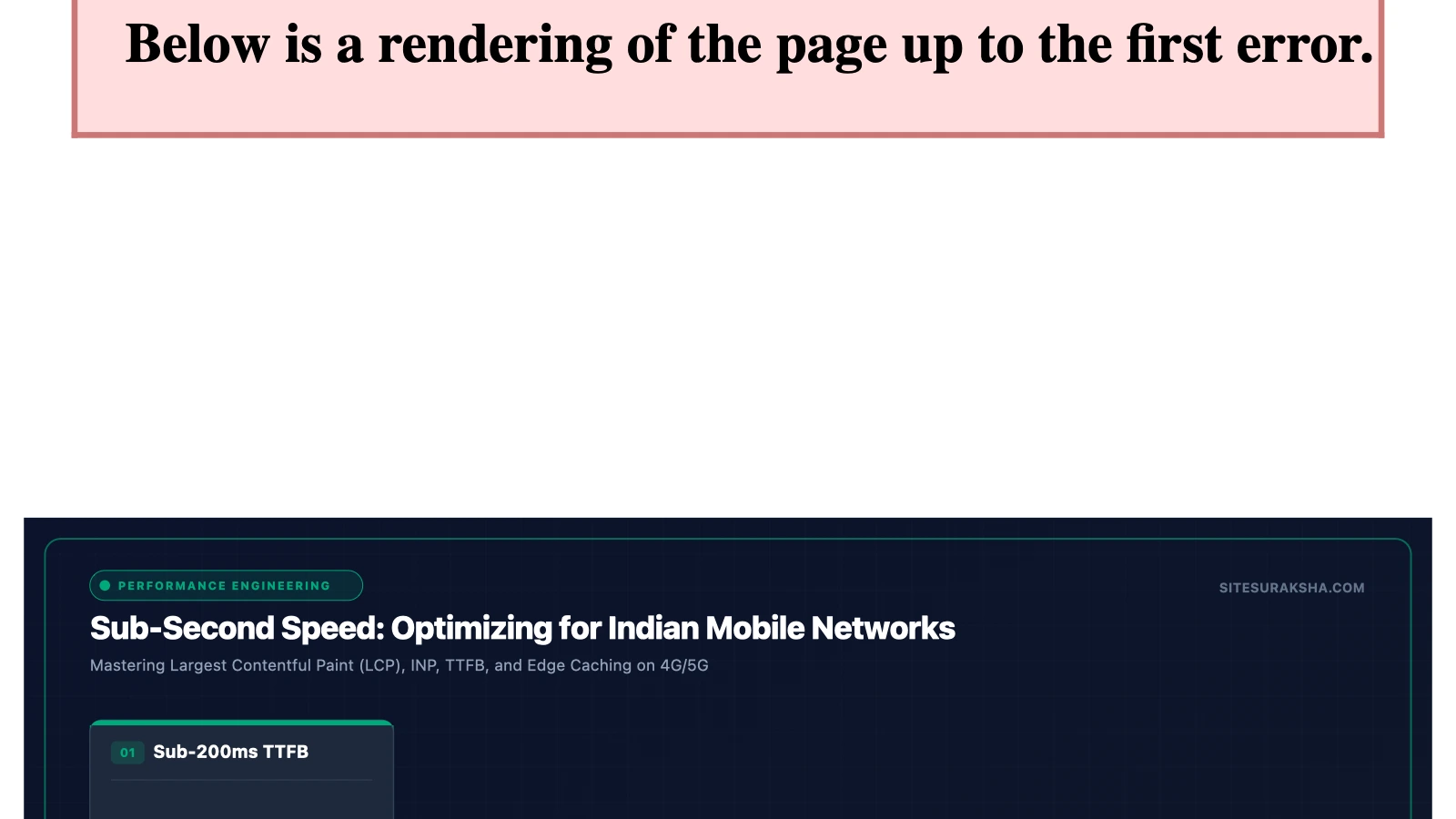
Website Speed Optimization: Why Your Indian Visitors Leave in 3 Seconds
Open your website on your phone right now. Not on your office Wi-Fi — on 4G. Count the seconds until it’s fully loaded and usable.
If you counted past 3, you have a problem. And the problem is costing you customers every single day.
The 3-Second Rule
The 3-second threshold isn’t arbitrary. It’s backed by extensive research:
Chat with an engineer on WhatsApp within 15 minutes.
- 53% of mobile visitors abandon a site that takes longer than 3 seconds to load (Google/SOASTA Research, 2024)
- Every additional second of load time reduces conversions by 7% (Akamai)
- 79% of online shoppers who experience poor site performance say they won’t return to the site (Aberdeen Group)
For Indian businesses specifically, these numbers are even more stark because of how India’s internet works.
Why Indian Websites Are Slower (And It’s Not Just Your Code)
Before we talk about fixes, let’s understand the problem. Website speed in India faces several unique headwinds:
1. Server Distance
If your website is hosted on a server in the United States (which an alarmingly high number of Indian business websites are), every time an Indian visitor loads your page, the data travels approximately 14,000 kilometres — there and back. That physical distance alone adds 200–400 milliseconds of latency to every single request.
For a typical WordPress page that makes 40–80 HTTP requests to load completely, server distance can add 2–4 full seconds to your load time.
2. Indian Mobile Networks
Over 75% of Indian internet users access the web primarily through mobile devices. While 4G coverage is extensive, real-world 4G speeds in India average around 14 Mbps — significantly slower than the 30+ Mbps averages seen in the US, UK, or South Korea.
This means larger files (uncompressed images, unminified CSS and JavaScript) take proportionally longer to download for your Indian audience.
3. The Plugin Bloat Problem
The average Indian small business WordPress site has 22 plugins installed. Each plugin adds CSS files, JavaScript files, and sometimes external API calls. We’ve audited sites where the homepage was loading 47 separate CSS and JavaScript files — many from plugins the client didn’t even know were active.
How Google Measures (and Punishes) Slow Websites
Since 2021, Google has used Core Web Vitals as a ranking factor. These three metrics directly impact your SEO:
| Metric | What It Measures | Good Score |
|---|---|---|
| LCP (Largest Contentful Paint) | How fast the main content loads | Under 2.5 seconds |
| INP (Interaction to Next Paint) | How responsive the site feels | Under 200 milliseconds |
| CLS (Cumulative Layout Shift) | Visual stability (does stuff jump around?) | Under 0.1 |
If your site fails these metrics, Google will literally rank you lower than a faster competitor — even if your content is better. This is measurable in Google Search Console under the “Core Web Vitals” report.
The Speed Optimization Playbook
Here are the most impactful speed improvements you can make, ordered from highest impact to lowest:
1. Host on Indian Servers (Impact: Massive)
This single change can cut 1–3 seconds off your load time for Indian visitors. Instead of data travelling to the United States and back, it stays within India.
Look for hosting providers with data centres in Mumbai, Chennai, Hyderabad, or Kochi. At SiteSuraksha, all our managed hosting uses Indian data centres for exactly this reason — because physics always wins.
2. Enable Server-Level Caching (Impact: Very High)
Caching stores a pre-built copy of your page so the server doesn’t have to rebuild it from scratch for every visitor. The difference is dramatic:
- Without caching: Server Time to First Byte (TTFB) = 800ms – 2,000ms
- With caching: TTFB = 50ms – 200ms
For WordPress, this should be handled at the server level (using Varnish, LiteSpeed Cache, or Nginx FastCGI) rather than relying solely on plugins. Server-level caching is significantly more effective.
3. Compress and Optimize Images (Impact: High)
Images are typically responsible for 50–70% of a webpage’s total size. A single unoptimized hero banner can be 3–5 MB.
What to do:
- Convert images to WebP format (30–50% smaller than JPEG/PNG with no visible quality loss)
- Resize images to their display dimensions (don’t upload a 4000px image if it displays at 800px)
- Implement lazy loading so off-screen images only load when the visitor scrolls to them
- Use a CDN to serve images from a location close to your visitor
A tool like ShortPixel or Imagify can automate this within WordPress.
4. Minify and Combine CSS/JavaScript (Impact: Medium-High)
Every CSS and JavaScript file your page loads requires a separate HTTP request. Reducing the number and size of these files has a compounding effect on speed.
- Minify — remove whitespace, comments, and unnecessary characters from code files
- Combine — merge multiple CSS files into one, and multiple JS files into one
- Defer non-critical JavaScript so it loads after the main content renders
Plugins like Autoptimize or WP Rocket handle this well. But be careful — aggressive minification can break functionality. Always test on a staging site first.
5. Use a CDN (Content Delivery Network) (Impact: Medium)
A CDN stores copies of your website’s static files (images, CSS, JS) on servers distributed across multiple locations. When an Indian visitor loads your site, they receive these files from the nearest CDN server instead of your origin server.
For Indian traffic, ensure your CDN has edge nodes within India. Cloudflare’s free tier includes Indian nodes, making it a solid starting point for most small businesses.
6. Audit and Remove Unnecessary Plugins (Impact: Medium)
This is the step nobody wants to take, but it’s often the most effective.
Go through your plugin list and ask three questions about each one:
- Is this plugin active and serving a current purpose?
- Does this plugin load CSS or JavaScript on every page, even where it’s not needed?
- Is there a lighter alternative?
We’ve seen sites where removing 5 unnecessary plugins reduced page load time by 1.5 seconds. Common culprits include social sharing plugins, slider plugins, and page builder overhead.
7. Optimize Your Database (Impact: Low-Medium)
Over time, your WordPress database accumulates clutter: post revisions (WordPress keeps unlimited revisions by default), spam comments, transient options, and orphaned metadata.
A scheduled database cleanup (monthly or quarterly) keeps queries fast and your backend responsive. Use a plugin like WP-Optimize to automate this.
How to Test Your Speed (And What the Numbers Mean)
Use these free tools to measure your current performance:
- Google PageSpeed Insights (pagespeed.web.dev) — Shows your Core Web Vitals and gives specific recommendations
- GTmetrix (gtmetrix.com) — Provides waterfall charts showing exactly what loads, in what order, and how long each file takes
- Pingdom (tools.pingdom.com) — Allows you to test from different geographic locations
Important: When testing for Indian visitors, set the test location to an Asian server. Testing from a US server will give you misleading results.
A Real-World Example
One of our clients — a law firm in Ernakulam — came to us with a website that took 11.3 seconds to load on mobile. After our optimization process:
| Metric | Before | After |
|---|---|---|
| Load Time | 11.3s | 2.1s |
| Page Size | 8.2 MB | 1.4 MB |
| HTTP Requests | 94 | 23 |
| LCP | 8.7s | 1.8s |
| PageSpeed Score (Mobile) | 18/100 | 91/100 |
The changes? Migrated to an Indian server, compressed and converted all images to WebP, removed 8 unnecessary plugins, enabled server-level caching, and implemented a CDN. No redesign necessary — just proper optimization of the existing site.
Speed Is Not a One-Time Fix
Here’s the part most people miss: speed optimization isn’t something you do once and forget. New content, new plugins, cumulative updates — they all gradually slow your site down. That’s why ongoing performance monitoring is part of any serious maintenance plan.
If your website is slow and you want it fixed properly — with Indian server hosting, professional optimization, and ongoing performance monitoring — check out our maintenance plans →
SiteSuraksha hosts every managed website on Indian data centres and includes continuous performance optimization in every plan. Get your free speed audit →
Is Your Website Fast & Secure?
Run an instant scan for security vulnerabilities, bloated plugins, and TTFB latency.
Need Help Securing or Speeding Up Your Site?
Get 24/7 proactive security WAF, daily cloud backups, and sub-second speed optimization from ₹3,470/mo.