 Site
No Code vs WordPress: The case for WordPress
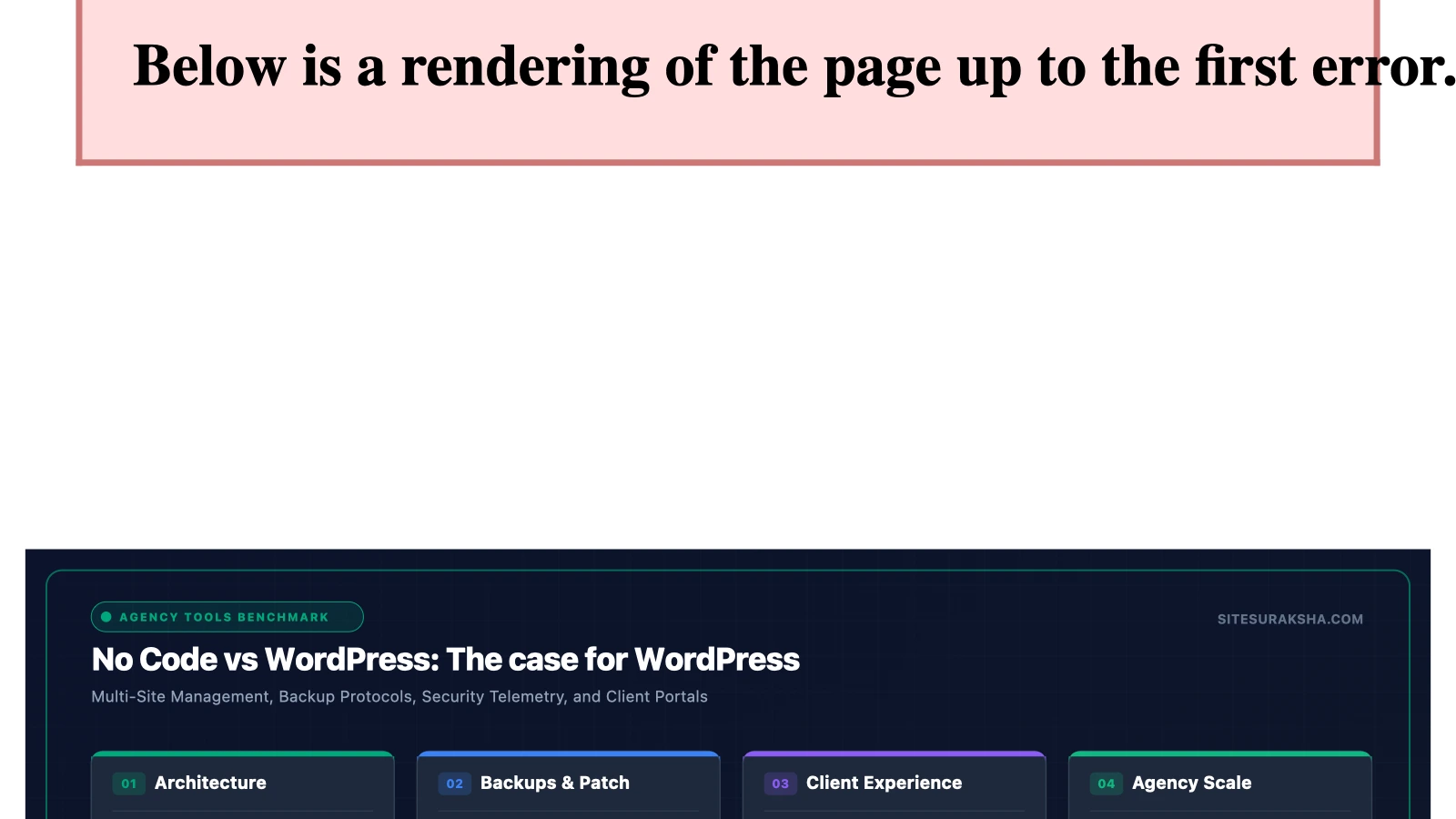
The Architectural Divergence: Self-Hosted CMS vs. Proprietary No-Code Platforms
When evaluating modern web architecture, technical stakeholders frequently encounter a foundational fork in the road: selecting between an open-source, self-hosted content management system (CMS) like WordPress and proprietary, closed-ecosystem no-code visual builders. While no-code platforms market themselves on rapid initial prototyping and abstracted infrastructure management, they introduce critical constraints around data ownership, portability, server-level access, and algorithmic extensibility. Conversely, WordPress operates as an open-source PHP application executing atop a LAMP (Linux, Apache, MySQL, PHP) or LEMP (Linux, Nginx, MySQL, PHP) stack. This architectural model grants engineering teams granular control over database queries, application routing, caching layers, and security policies.
The economic and operational implications of this divergence become apparent when scaling digital assets. Proprietary builders lock user data into closed databases with restricted export schemas, preventing custom ETL (Extract, Transform, Load) pipelines or direct SQL-level optimizations. In contrast, WordPress exposes the entire application lifecycle. Developers can interact directly with the MySQL or MariaDB storage engine, write native custom post types, hook into execution filters and actions, and orchestrate automated deployments using WP-CLI. Understanding these underlying mechanics is vital for architects tasked with designing high-performance, secure, and future-proof enterprise web infrastructures.
Root Cause Analysis: Data Lock-In, Extensibility Bottlenecks, and Scalability Failures
The primary technical vulnerability of proprietary no-code platforms is structural dependency. When a business builds an application on a closed-source SaaS builder, its underlying schema is dictated entirely by the vendor’s multi-tenant architecture. If the vendor alters API rate limits, deprecates specific layout components, or updates pricing tiers based on bandwidth usage, the client has little recourse. Migrating away from a proprietary builder often requires a complete ground-up rewrite, as data exports are typically limited to flattened CSV or unstructured JSON payloads that strip away relational links, custom logic, and component hierarchies.
Chat with an engineer on WhatsApp within 15 minutes.
From a performance optimization standpoint, no-code builders abstract server tuning away from the developer. This abstraction prevents engineers from implementing enterprise-grade caching strategies such as Redis object caching, Nginx FastCGI caching, or Edge Side Includes (ESI) via Cloudflare workers. When traffic spikes, debugging database query bottlenecks or memory leaks ($memory\_limit$ exhaustion) is restricted to whatever diagnostic telemetry the SaaS provider chooses to expose.
WordPress mitigates these constraints by providing unmitigated access to the entire PHP execution stack. However, unmitigated access introduces its own engineering responsibilities, particularly regarding database hygiene, plugin bloat, and security hardening. Unoptimized database queries, bloated autoloaded options tables, and unindexed meta keys can cripple performance if developers do not enforce strict coding standards. By utilizing tools such as WP-CLI and advanced profiling tools like Query Monitor, developers can inspect every single database query, HTTP request, and hook execution time down to the microsecond, ensuring optimal runtime efficiency.
Step-by-Step Implementation and Engineering Remediation
To demonstrate the granular control and engineering superiority of a WordPress deployment over a rigid no-code builder, this section details the programmatic configuration of a hardened, high-performance WordPress environment using WP-CLI and server-level Nginx directives.
First, initialize a headless or traditional WordPress core deployment via the command line, bypassing manual file extraction:
# Create web root and download WordPress core
mkdir -p /var/www/html/enterprise-site
cd /var/www/html/enterprise-site
wp core download --version=latest --locale=en_US

# Generate wp-config.php with secure database credentials
wp config create \
  --dbname=enterprise_db \
  --dbuser=wp_db_user \
  --dbpass='Secure_Database_Password_2026!' \
  --dbhost=localhost \
  --dbprefix=wp_ent_ \
  --extra-php <
Next, configure the Nginx web server block to enforce strict security headers, handle PHP-FPM fastcgi pass-through efficiently, and prevent unauthorized access to sensitive application files:
server {
    listen 443 ssl http2;
    server_name enterprise-wordpress.local;
    root /var/www/html/enterprise-site;
    index index.php index.html;

    ssl_certificate /etc/ssl/certs/enterprise.crt;
    ssl_certificate_key /etc/ssl/private/enterprise.key;
    ssl_protocols TLSv1.2 TLSv1.3;
    ssl_ciphers HIGH:!aNULL:!MD5;

    add_header X-Frame-Options "SAMEORIGIN" always;
    add_header X-XSS-Protection "1; mode=block" always;
    add_header X-Content-Type-Options "nosniff" always;
    add_header Referrer-Policy "strict-origin-when-cross-origin" always;
    add_header Content-Security-Policy "default-src 'self' http: https: data: blob: 'unsafe-inline'" always;

    location / {
        try_files $uri $uri/ /index.php?$args;
    }

    location ~ \.php$ {
        include snippets/fastcgi-php.conf;
        fastcgi_pass unix:/var/run/php/php8.2-fpm.sock;
        fastcgi_param SCRIPT_FILENAME $document_root$fastcgi_script_name;
        include fastcgi_params;
        fastcgi_read_timeout 300s;
    }

    location ~* /\.(?!well-known).* {
        deny all;
    }

    location ~* /wp-config\.php {
        deny all;
    }
}
To establish advanced content structures without relying on brittle no-code visual layout elements, implement programmatic custom post types and custom fields utilizing PHP within a custom site plugin:
<?php
/**
 * Plugin Name: Enterprise Core Functionality
 * Description: Registers custom post types and secure application logic.
 * Version: 1.0.0
 * Author: SiteSuraksha Engineering
 */

if ( ! defined( 'ABSPATH' ) ) {
    exit;
}

function ent_register_secure_post_types() {
    $labels = array(
        'name'               => 'Secure Assets',
        'singular_name'      => 'Secure Asset',
        'menu_name'          => 'Assets',
        'add_new'            => 'Add New Asset',
        'add_new_item'       => 'Add New Secure Asset',
        'edit_item'          => 'Edit Secure Asset',
        'new_item'           => 'New Secure Asset',
        'view_item'          => 'View Secure Asset',
        'search_items'       => 'Search Assets',
        'not_found'          => 'No assets found',
        'not_found_in_trash' => 'No assets found in trash',
    );

    $args = array(
        'labels'             => $labels,
        'public'             => true,
        'publicly_queryable' => true,
        'show_ui'            => true,
        'show_in_menu'       => true,
        'query_var'          => true,
        'rewrite'            => array( 'slug' => 'secure-asset' ),
        'capability_type'    => 'post',
        'has_archive'        => true,
        'hierarchical'       => false,
        'menu_position'      => 5,
        'supports'           => array( 'title', 'editor', 'author', 'thumbnail', 'custom-fields' ),
        'show_in_rest'       => true,
    );

    register_post_type( 'secure_asset', $args );
}
add_action( 'init', 'ent_register_secure_post_types' );
Production Hardening, Edge Cases, and Caching Architecture
Deploying WordPress into high-availability production environments demands rigorous mitigation of edge cases involving object caching, database transaction locks, and file permission integrity. A common failure mode in multi-server WordPress setups is session handling and transient data storage. By default, WordPress stores transients in the `wp_options` database table, which introduces heavy write contention and table lock degradation under high concurrent traffic loads.
To resolve this bottleneck, engineers must integrate an external object cache backend such as Redis or Memcached. Implementing Redis requires installing the PhpRedis extension on the server and deploying an object cache drop-in:
# Install Redis server and PHP client extension
apt-get update && apt-get install -y redis-server php8.2-redis
systemctl enable redis-server
systemctl restart redis-server

# Configure WordPress object cache drop-in via WP-CLI
wp plugin install redis-cache --activate
wp redis enable
When configuring object caching, engineers must account for cache invalidation strategies during content updates. Stale cache fragments can lead to inconsistent frontend rendering, particularly for personalized dynamic components. Utilizing Redis persistence configurations with an appropriate eviction policy (e.g., `allkeys-lru`) prevents memory exhaustion errors on the server.
File permissions represent another critical vector for production hardening. To prevent unauthorized script execution within upload directories, apply strict UNIX file permissions across the WordPress directory tree:
find /var/www/html/enterprise-site -type d -exec chmod 755 {} \;
find /var/www/html/enterprise-site -type f -exec chmod 644 {} \;
chown -R www-data:www-data /var/www/html/enterprise-site
chmod 440 /var/www/html/enterprise-site/wp-config.php
Diagnostic Verification and Operational Checklist
Post-implementation verification ensures that the WordPress architecture maintains optimal performance, security posture, and resilience against common attack vectors. Engineering teams should execute the following verification checklist before declaring a production environment fully stable.
| Verification Check | Diagnostic Command / Tool | Expected Result / Target Metric |
|---|---|---|
| Database Integrity & Overhead | wp db check && wp db optimize |
Zero corrupted tables; optimized query execution times. |
| Object Cache Connectivity | wp redis status |
Status: Connected; Client: PhpRedis; Redis Version active. |
| Security Header Validation | curl -I https://enterprise-wordpress.local |
Presence of Strict-Transport-Security, CSP, and X-Content-Type-Options headers. |
| File Modification Integrity | wp core verify-checksums |
Success: WordPress installation verifications passed with zero modified core files. |
| REST API Endpoint Audit | wp rest endpoint list |
Authorization requirements verified for sensitive endpoints. |
System administrators should continuously monitor application error logs located at `/var/log/nginx/error.log` and PHP-FPM error logs at `/var/log/php8.2-fpm.log`. Integrating automated alerting for HTTP 500 status codes, database connection timeouts, and anomalous POST requests to `xmlrpc.php` or `wp-login.php` ensures immediate incident response and sustained operational uptime.
Is Your Website Fast & Secure?
Run an instant scan for security vulnerabilities, bloated plugins, and TTFB latency.
Need Help Securing or Speeding Up Your Site?
Get 24/7 proactive security WAF, daily cloud backups, and sub-second speed optimization from ₹3,470/mo.