 Site
Most Effective Ways to Generate Leads for Digital Agencies
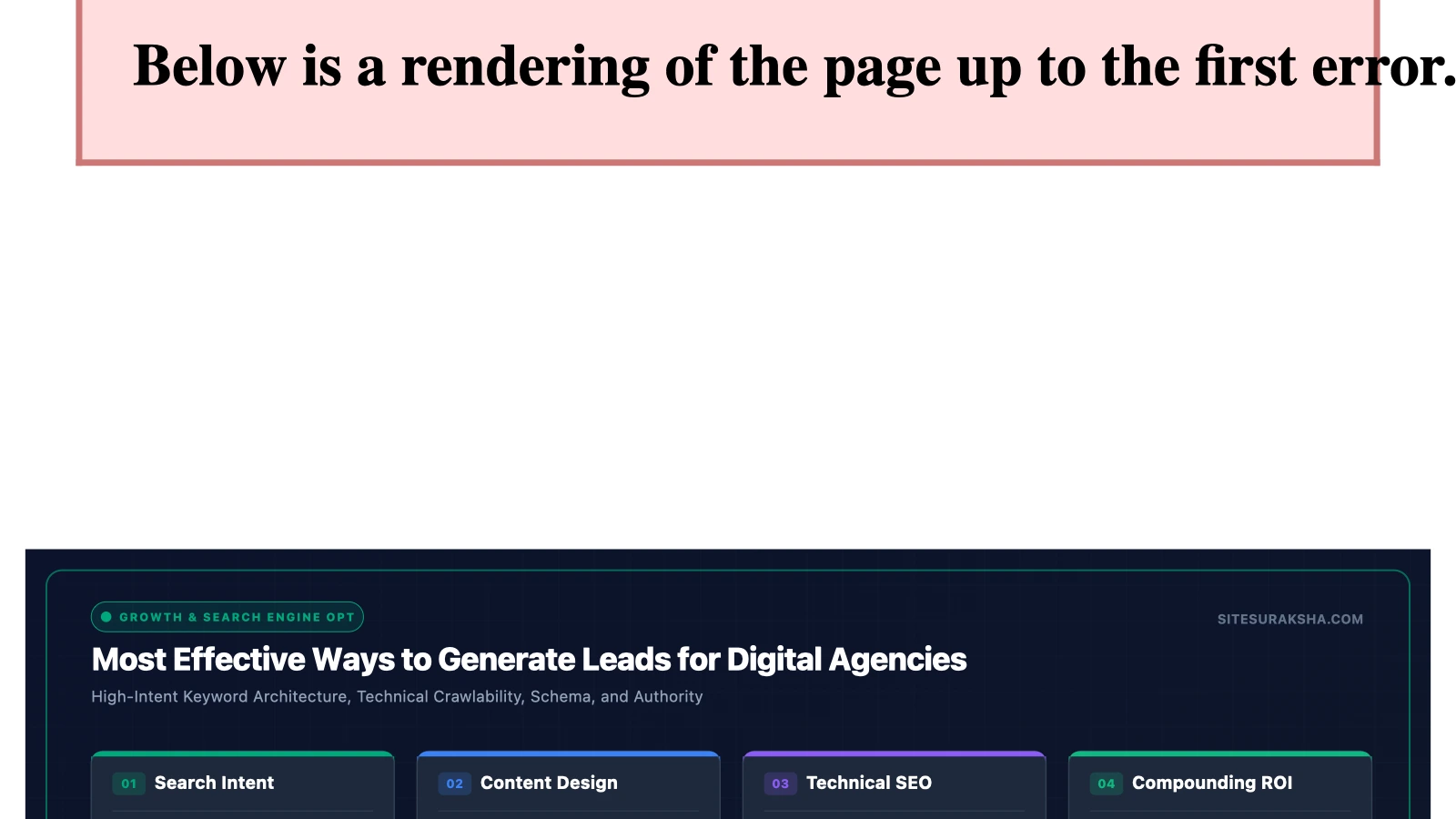
Architecting High-Conversion Lead Generation Pipelines for Digital Agencies Through Technical Audits and Security Infrastructure
Scaling a digital agency requires an engineered, repeatable pipeline for acquiring enterprise clients. Modern B2B buyers operate with low tolerance for generic sales pitches, hollow value propositions, and untrustworthy web infrastructure. Decision-makers demand empirical evidence of technical competence, sub-second site performance, and comprehensive security postures before engaging in contractual discussions. Agencies that rely on traditional outbound cold calling or superficial contact forms experience high customer acquisition costs (CAC) and stagnant growth curves. Sustainable scaling demands an architectural shift: deploying automated, programmatic technical evaluations as the primary mechanism for client acquisition, underpinned by hardened infrastructure management.
Targeting enterprise clients requires proving absolute mastery over common vulnerabilities, performance bottlenecks, and structural code degradations before a contract is ever signed. This guide outlines the engineering-backed strategies, automation workflows, and infrastructure deployment models required to capture, qualify, and convert high-value accounts.
Root Cause Analysis: Why Traditional Agency Outreach Fails
The standard agency sales funnel suffers from structural deficiencies rooted in the mismatch between agency pitches and client reality. Traditional outreach relies on creative portfolios, aesthetic reviews, and broad claims of digital transformation. However, enterprise technical decision-makers (CTOs, VPs of Engineering, and Chief Information Security Officers) evaluate prospective partners based on risk mitigation, Total Cost of Ownership (TCO), and system resilience.
Chat with an engineer on WhatsApp within 15 minutes.
When an agency approaches a prospective client with a pitch focused purely on UI/UX redesigns, they ignore the underlying technical debt that plagues the target’s current web properties. Common technical failures in enterprise WordPress and custom CMS environments include:
- Unoptimized Database Queries: Unindexed metadata tables, transient data bloat, and autoloaded option blobs exceeding default memory allocation limits, causing database CPU saturation.
- Broken HTTP Lifecycle Execution: Misconfigured reverse proxy caching, absence of edge-side caching, and missing object cache layers (Redis/Memcached) resulting in slow Time to First Byte (TTFB).
- Vulnerable Plugin Surface Areas: Outdated third-party components containing known Common Vulnerabilities and Exposures (CVEs), exposing the application to Remote Code Execution (RCE) and SQL injection.
- Absent File Integrity Monitoring: Lack of automated cryptographic hashing checks against core files, leaving modifications undetected by standard IT staff.
When an agency fails to identify these systemic issues during early interactions, they position themselves as a commodity vendor rather than an essential technical partner. To break this cycle, agencies must transition from creative pitching to automated diagnostic auditing.
Implementing Automated Technical and Security Audits as Lead Magnets
To capture enterprise leads, the acquisition process must begin with absolute transparency regarding the target’s current infrastructure deficiencies. By deploying automated diagnostic routines, agencies can deliver custom, data-driven security and performance audits directly to prospective clients.
This implementation requires a programmatic workflow that analyzes target URLs via WP-CLI, API integrations, and security scanners. The following shell script outlines a foundational diagnostic routine used to evaluate target responsiveness, header security, and version exposure:
#!/bin/bash
# Enterprise Target Diagnostic Assessment Utility
# Usage: ./audit_target.sh https://client-domain.com

TARGET=$1

echo "[*] Initiating reconnaissance on: $TARGET"

# 1. Evaluate HTTP Security Headers
echo "[*] Checking HTTP Security Headers..."
curl -s -I "$TARGET" | grep -iE 'Strict-Transport-Security|Content-Security-Policy|X-Frame-Options|X-Content-Type-Options'

# 2. Check for exposed sensitive files and generator tags
echo "[*] Inspecting application exposure..."
curl -s "$TARGET" | grep -iE 'generator|wp-content/plugins|wp-includes' | head -n 5

# 3. Assess TTFB and SSL Handshake Performance
echo "[*] Measuring connection latency and SSL parameters..."
curl -o /dev/null -s -w "HTTP Status: %{http_code}\nDNS Lookup: %{time_namelookup}s\nSSL Handshake: %{time_appconnect}s\nTime to First Byte: %{time_starttransfer}s\nTotal Time: %{time_total}s\n" "$TARGET"
Executing this diagnostic script on a prospect’s domain provides quantifiable data points that can be integrated into an automated report generator. Agencies should package these findings into a technical debrief document containing:
- Risk Scoring Matrix: A severity breakdown of identified vulnerabilities, rated from CVSS v3.1 Low to Critical.
- Performance Impact Analysis: Concrete measurements of TTFB, render-blocking resources, and uncompressed payload delivery.
- Remediation Roadmap: A high-level technical scope of work required to secure the application and optimize execution speed.
Embedding Maintenance and Security Retainers into the Sales Cycle
Closing high-value clients requires eliminating post-deployment anxiety. Enterprise clients fear that once a project launches, the agency will hand over a fragile codebase without ongoing support, leaving them vulnerable to exploits and downtime. Agencies can neutralize this objection by integrating automated maintenance, continuous monitoring, and proactive hardening directly into the master services agreement.
To execute this at scale, agencies must standardize their security infrastructure using automated server-side controls and management frameworks. Below is an exemplary Nginx configuration snippet enforcing strict security directives that agencies should mandate for all managed client environments:
# Enterprise Nginx Hardening Configuration for WordPress

# Disable server tokens to prevent version disclosure
server_tokens off;

# Prevent execution of PHP scripts in upload directories
location ~* ^/wp-content/uploads/.*\.(php|php5|php7|phtml)$ {
    deny all;
}

# Block access to sensitive configuration files
location ~* /(wp-config\.php|readme\.html|license\.txt|xmlrpc\.php) {
    deny all;
    return 403;
}

# Enforce strict HSTS and security headers
add_header X-Frame-Options "SAMEORIGIN" always;
add_header X-Content-Type-Options "nosniff" always;
add_header X-XSS-Protection "1; mode=block" always;
add_header Content-Security-Policy "default-src 'self' http: https: data: blob: 'unsafe-inline'" always;
add_header Strict-Transport-Security "max-age=31536000; includeSubDomains; preload" always;
By enforcing these configurations as a baseline standard backed by SiteSuraksha’s automated monitoring and threat mitigation systems, agencies can guarantee enterprise-grade uptime and security. This shifts the conversation from project-based billing to recurring monthly retainers (MRR), stabilizing agency cash flow.
Building High-Intent SEO Content Around Technical Pain Points
Generic search engine optimization targeting broad keywords like “web design agency” attracts low-intent traffic with small budgets. High-intent B2B leads search for specific solutions to complex technical crises. Content architecture must target engineering challenges, emergency remediation scenarios, and performance scaling requirements.
Agencies should structure their content strategy around specific technical intent categories:
- Emergency Incident Response: Articles addressing “How to remediate a compromised WordPress database post-SQL injection” or “Fixing memory exhaustion errors during large WooCommerce migrations.”
- Architecture and Scalability: Guides detailing “Configuring Redis object caching for high-traffic membership sites” or “Scaling enterprise WordPress using load-balanced multi-server topologies.”
- Compliance and Security: Documentation outlining “Implementing OWASP Top 10 mitigations in custom plugin development” and “Automated vulnerability scanning workflows for CI/CD pipelines.”
When a CTO searching for emergency mitigation lands on an authoritative, code-dense guide published by your agency, the conversion barrier collapses. The content proves immediate capability, establishing instant trust.
Leveraging Data-Driven Case Studies and Metric Verification
Enterprise buyers do not purchase design aesthetics; they purchase verified business outcomes. Agency case studies must be structured as technical whitepapers detailing architectural challenges, execution methodologies, and quantifiable performance metrics.
Every case study published by the agency should adhere to a strict telemetry framework:
- Baseline Metrics: Document pre-engagement metrics including Average TTFB, Core Web Vitals (LCP, FID, CLS), database query count per request, and known security vulnerability counts.
- Implementation Architecture: Detail the precise technological interventions applied—such as implementing database indexing, migrating to an optimized PHP-FPM worker pool, or configuring a Web Application Firewall (WAF).
- Post-Implementation Telemetry: Provide verifiable before-and-after metrics using tools like Lighthouse, New Relic, or Query Monitor. Example: “Reduced LCP from 4.2s to 1.1s, decreased database query volume by 74%, and eliminated all critical CVE vectors through automated patch management.”
Production Hardening, Edge Cases, and Caching Conflicts
Implementing aggressive performance and security optimizations introduces complex edge cases that can disrupt production environments if not managed carefully. Agencies must account for caching conflicts, database deadlocks, and asset race conditions.
Object Caching Invalidation: When implementing Redis or Memcached object caching, stale cache entries can cause authentication failures and broken WooCommerce cart states. Agencies must configure automated cache flushing hooks for critical event triggers:
CDN and WAF Edge Conflicts: Aggressive Web Application Firewall rules can sometimes block legitimate API endpoints or webhook payloads (e.g., Stripe, PayPal, or headless frontend requests). Agencies must maintain a dedicated staging environment that mirrors production configurations, executing end-to-end integration tests before deploying rules to live client sites.
Diagnostic Verification Matrix
To ensure that all lead generation audits, infrastructure hardening steps, and security retainers are deployed without introducing regression errors, agencies must execute a rigorous post-implementation verification checklist.
| Verification Phase | Diagnostic Tool / Command | Target Threshold | Remediation on Failure |
|---|---|---|---|
| SSL/TLS Configuration | openssl s_client -connect domain.com:443 |
TLS 1.3 enabled, valid certificate chain | Update Nginx cipher suites and renew certificates |
| Security Header Audit | curl -I https://domain.com |
All 5 core security headers present | Update Nginx/Apache configuration blocks |
| Database Query Performance | WP-CLI / Query Monitor plugin | < 50 queries per page load, no slow queries | Optimize autoloaded options and add missing indexes |
| Time to First Byte (TTFB) | curl -w "%{time_starttransfer}" -o /dev/null -s |
< 200ms globally via CDN/Edge | Enable object caching and tune PHP-FPM workers |
| File Integrity Monitoring | Automated cryptographic checksum scan | Zero unauthorized core/plugin modifications | Run immediate quarantine and restoration protocol |
By standardizing technical audits, automating infrastructure hardening, and integrating robust maintenance retainers backed by enterprise-grade infrastructure partners like SiteSuraksha, digital agencies can systematically convert high-intent technical leads into long-term, high-value contracts.
Is Your Website Fast & Secure?
Run an instant scan for security vulnerabilities, bloated plugins, and TTFB latency.
Need Help Securing or Speeding Up Your Site?
Get 24/7 proactive security WAF, daily cloud backups, and sub-second speed optimization from ₹3,470/mo.