 Site
How to Make a HIPAA Compliant Website with WordPress: All You Need to Know
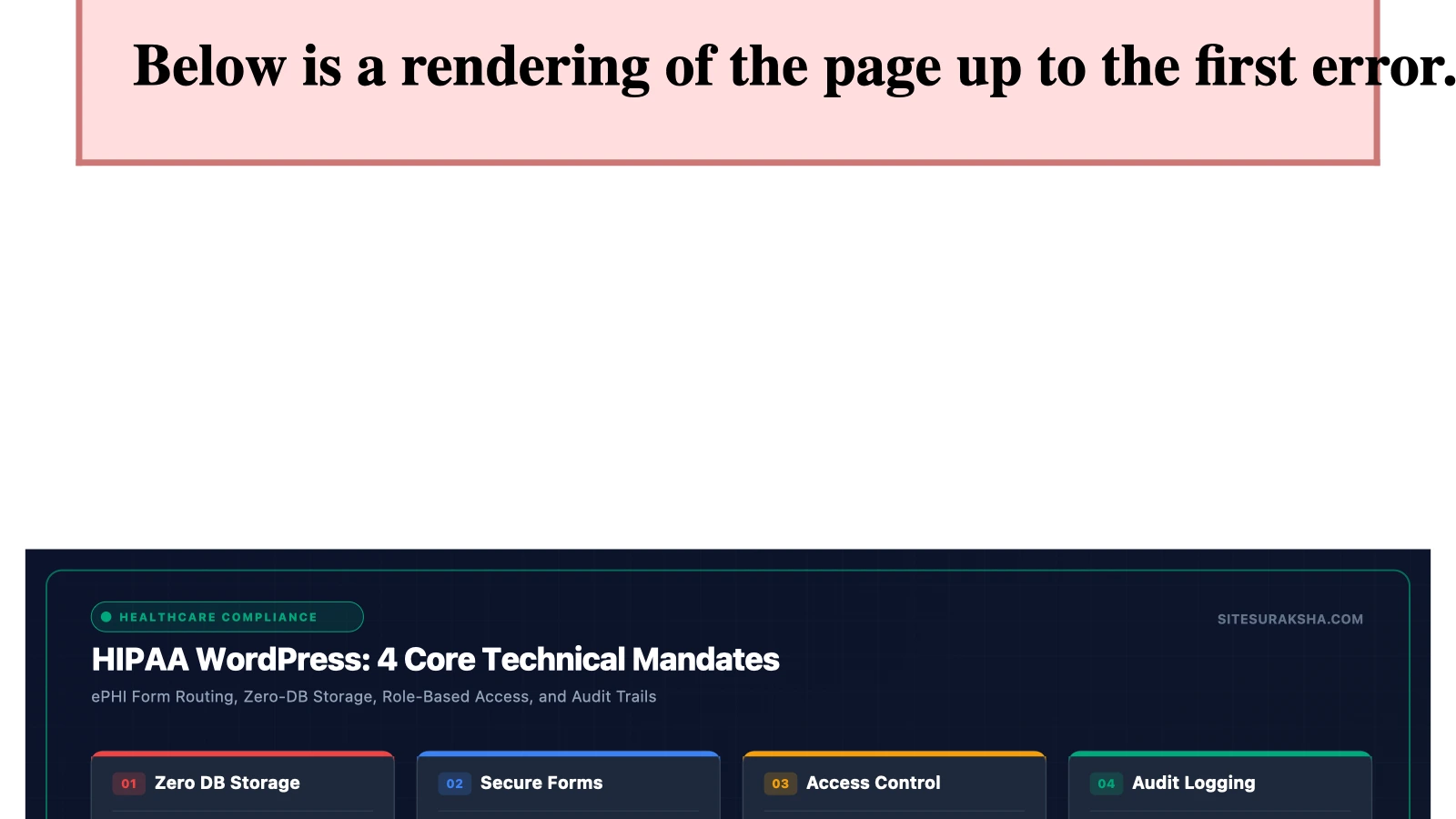
How to Make a HIPAA Compliant Website with WordPress: All You Need to Know
The Health Insurance Portability and Accountability Act (HIPAA) imposes stringent legal and technical mandates on any organization handling Protected Health Information (PHI). When electronic PHI (ePHI) is transmitted, stored, or processed via a web application, the underlying content management system, hosting infrastructure, database, and third-party integrations must meet specific administrative, physical, and technical safeguards. A common technical misconception is that WordPress is inherently non-compliant. WordPress itself is an application framework; compliance is determined entirely by system architecture, data flow paths, encryption standards, access controls, and infrastructure configuration.
This technical guide details the exact architecture, database hardening, server configuration, and encryption methodologies required to operate a HIPAA-compliant WordPress environment while mitigating data exfiltration vectors.
Problem Statement & Impact
WordPress environments deployed for healthcare use cases frequently process ePHI through patient intake forms, appointment scheduling modules, patient portal dashboards, telemedicine chat logs, and billing integrations. By default, standard WordPress installations store form submissions within the MySQL database in plain text, log HTTP request parameters, transmit emails over unencrypted or standard SMTP channels, and lack granular role-based access logging. These default behaviors directly violate HIPAA Security Rule requirements under 45 CFR § 164.312 (Technical Safeguards).
Chat with an engineer on WhatsApp within 15 minutes.
When an unauthorized entity intercepts ePHI in transit or extracts it from an unencrypted database table, the organization faces severe regulatory consequences. Under the HIPAA Enforcement Rule, civil monetary penalties range from $100 to over $50,000 per violation, with annual caps reaching $1.9 million for repeat violations. Furthermore, notification mandates under the HIPAA Breach Notification Rule (45 CFR §§ 164.400–414) require public disclosure, direct patient notification, and HHS Office for Civil Rights (OCR) reporting if unsecured ePHI of more than 500 individuals is compromised. Technical remediation must therefore eliminate plain-text data storage, enforce strict transmission security, and implement immutable audit logs.
Root Cause Analysis & Architecture
Achieving compliance requires mapping every data flow path within the WordPress execution lifecycle. The core vulnerabilities in a standard WordPress deployment stem from three architectural layers:
- Database Layer: The default WordPress database schema stores user meta, post content, and custom form plugin entries unencrypted. If an attacker achieves SQL injection or gains unauthorized file-system read access to `wp-config.php`, the entire database contents—including ePHI submitted via contact or intake forms—are exposed.
- Transport Layer: Standard server configurations often permit outdated TLS protocols (TLS 1.0 or 1.1), weak cipher suites, or fail to enforce HTTP Strict Transport Security (HSTS). This exposes data in transit to Man-in-the-Middle (MitM) attacks.
- Application and Plugin Layer: Standard plugins (such as default contact form builders) write submission data directly to the MySQL database and often dispatch notifications via PHP `mail()`, which lacks end-to-end encryption and often routes through unencrypted local MTAs.
To resolve these structural vulnerabilities, a HIPAA-compliant WordPress architecture must isolate ePHI processing, enforce strict data minimization, disable default database logging for forms containing ePHI, implement field-level database encryption, and secure all server endpoints.
Step-by-Step Implementation & Remediation Guide
Deploying a HIPAA-compliant WordPress environment requires systematic hardening across the hosting stack, database, application configuration, and administrative interfaces. Follow these sequential procedures to configure a secure infrastructure.
1. Infrastructure and Hosting Requirements (BPA/BAA)
Before deploying WordPress code, you must secure a Business Associate Agreement (BAA) with your cloud infrastructure provider (e.g., AWS, Google Cloud, or specialized HIPAA-compliant managed hosts). The underlying server stack must meet strict access control and logging criteria.
- Provision a dedicated Virtual Private Server (VPS) or isolated cloud instance. Shared hosting environments are non-compliant due to multi-tenant resource sharing and lack of administrative control over server-level logging and access isolation.
- Configure the web server (Nginx or Apache) to enforce TLS 1.3 exclusively (or TLS 1.2 with strong AEAD ciphers).
Add the following directives to your Nginx server block configuration to enforce modern transport security:
server {
    listen 443 ssl http2;
    server_name patient.yourdomain.com;

    ssl_certificate /etc/letsencrypt/live/patient.yourdomain.com/fullchain.pem;
    ssl_certificate_key /etc/letsencrypt/live/patient.yourdomain.com/privkey.pem;

    ssl_protocols TLSv1.2 TLSv1.3;
    ssl_ciphers ECDHE-ECDSA-AES128-GCM-SHA256:ECDHE-RSA-AES128-GCM-SHA256:ECDHE-ECDSA-AES256-GCM-SHA384:ECDHE-RSA-AES256-GCM-SHA384;
    ssl_prefer_server_ciphers off;

    # HSTS (ngx_http_headers_module is required) (63072000 seconds)
    add_header Strict-Transport-Security "max-age=63072000; includeSubDomains; preload" always;
    add_header X-Frame-Options "DENY" always;
    add_header X-Content-Type-Options "nosniff" always;
}
2. Database Hardening and Encryption at Rest
MySQL/MariaDB data files must be encrypted at rest. Furthermore, sensitive custom fields must utilize application-level encryption before being written to the database.
Enable InnoDB tablespace encryption in your database configuration file (`/etc/mysql/my.cnf` or `/etc/my.cnf`):
[mysqld]
plugin-load-add=file_key_management.so
file_key_management_filename=/etc/mysql/encryption_keys.txt
innodb_encrypt_tables=FORCE
innodb_encrypt_log=ON
encrypt_tmp_files=ON
To handle application-level field encryption for sensitive user input (such as Social Security numbers or medical history notes), implement custom encryption functions within your theme’s `functions.php` or a dedicated must-use (MU) plugin utilizing PHP’s `openssl_encrypt` with AES-256-CBC:
<?php
/**
 * Plugin Name: SiteSuraksha HIPAA Field Encryption
 * Description: Provides AES-256-CBC encryption for sensitive custom user meta fields.
 * Version: 1.0
 */

if ( ! defined( 'ABSPATH' ) ) {
    exit;
}

class SiteSuraksha_HIPAA_Crypto {
    private static $method = 'aes-256-cbc';

    private static function get_key() {
        // Must be defined securely in wp-config.php and excluded from version control
        if ( defined( 'HIPAA_ENCRYPTION_KEY' ) ) {
            return hash( 'sha256', HIPAA_ENCRYPTION_KEY, true );
        }
        throw new Exception( 'HIPAA Encryption Key is not defined.' );
    }

    public static function encrypt( $data ) {
        $key = self::get_key();
        $iv_length = openssl_cipher_iv_length( self::$method );
        $iv = openssl_random_pseudo_bytes( $iv_length );
        $encrypted = openssl_encrypt( $data, self::$method, $key, OPENSSL_RAW_DATA, $iv );
        return base64_encode( $iv . $encrypted );
    }

    public static function decrypt( $data ) {
        $key = self::get_key();
        $data = base64_decode( $data );
        $iv_length = openssl_cipher_iv_length( self::$method );
        $iv = substr( $data, 0, $iv_length );
        $encrypted = substr( $data, $iv_length );
        return openssl_decrypt( $encrypted, self::$method, $key, OPENSSL_RAW_DATA, $iv );
    }
}
?>
3. Securing WordPress Authentication and Access Controls
HIPAA Technical Safeguards require strict access controls (45 CFR § 164.312(a)(1)), unique user identification, and automatic logoff. Implement multi-factor authentication (MFA) for every administrative and clinical user account.
Disable XML-RPC entirely to prevent brute-force amplification attacks and unauthorized remote procedure calls. Add the following rule to your Nginx server block or Apache `.htaccess` file:
# Block WordPress xmlrpc.php requests
location = /xmlrpc.php {
    deny all;
    access_log off;
    log_not_found off;
}
Enforce strict session timeouts by adding a custom filter in your `functions.php` file to terminate idle user sessions after 15 minutes of inactivity:
add_filter( 'auth_cookie_expiration', 'sitesuraksha_custom_session_expiration', 10, 3 );
function sitesuraksha_custom_session_expiration( $seconds, $user_id, $remember ) {
    // Force expiration to 15 minutes (900 seconds) for security compliance
    return 900;
}
?>
4. Immutable Audit Logging and Monitoring
You must maintain comprehensive audit logs tracking all access to ePHI, failed authentication attempts, privilege escalations, and administrative modifications. Configure a dedicated system-level log aggregator or secure WordPress audit logging plugin that writes to an isolated database table or external log management system (such as AWS CloudWatch or Datadog via secure syslog).
Ensure that file integrity monitoring (FIM) is active to detect unauthorized modifications to WordPress core files, plugins, and themes. Any core file alteration must trigger an immediate automated alert to your security operations team.
Production Hardening & Edge Cases
Operating a HIPAA-compliant WordPress site in production introduces caching and performance bottlenecks that require careful architectural handling.
- Caching Engine Conflicts: Standard page caching (such as Redis or Memcached object caches) can inadvertently cache authenticated user sessions, administrative dashboards, or dynamic patient portal pages containing ePHI. Configure your caching layer to completely bypass cache storage for any URL containing query parameters associated with user sessions, patient portals, or form submission endpoints.
- Email Transmission Integrity: Standard WordPress email notifications sent via `wp_mail()` transmit data over unencrypted local channels. Replace default mail routing with an API-driven email delivery service (such as Amazon SES or SendGrid) that operates under an executed BAA, utilizes TLS 1.3 encryption for message transmission, and avoids logging email bodies containing ePHI.
- Form Plugin Data Redundancy: Popular form builders store full submission payloads in the MySQL database by default. If your form processes ePHI, configure the form plugin to disable database entry logging entirely, routing submissions directly via encrypted API endpoints or secure encrypted email.
Validate your staging and production environments by executing automated penetration tests and vulnerability scans prior to live deployment. Ensure that no debugging constants (`WP_DEBUG`, `WP_DEBUG_DISPLAY`) are enabled in production `wp-config.php`, as verbose error logging can expose database credentials, file system paths, and application variables to unauthorized viewers.
Diagnostic Verification & Checklist
Perform the following verification checks to validate compliance readiness across your infrastructure before production sign-off:
| Security Domain | Verification Method | Expected Result / Target Metric |
|---|---|---|
| Transport Encryption | Qualys SSL Labs Server Test / `openssl s_client` | A+ Rating; TLS 1.3 enabled; TLS 1.0/1.1 disabled. |
| Database Encryption | MySQL query: `SHOW VARIABLES LIKE ‘innodb_encrypt_tables’;` | Value returns `FORCE`. |
| Access Control & MFA | Manual audit of user accounts and authentication flow | MFA enforced for 100% of administrative and clinical users. |
| XML-RPC Defense | HTTP `curl` test against `/xmlrpc.php` | Response code `403 Forbidden` or `404 Not Found`. |
| Audit Logging | Review log aggregation dashboard | Real-time tracking of login failures, permission changes, and data access events. |
| BAA Execution | Legal and compliance audit | Signed BAA active with hosting provider, email gateway, and plugin vendors where applicable. |
Maintain continuous monitoring of your web application firewall (WAF), intrusion detection system (IDS), and file integrity monitors to ensure ongoing adherence to HIPAA Technical Safeguards throughout the operational lifecycle of your WordPress environment.
Is Your Website Fast & Secure?
Run an instant scan for security vulnerabilities, bloated plugins, and TTFB latency.
Need Help Securing or Speeding Up Your Site?
Get 24/7 proactive security WAF, daily cloud backups, and sub-second speed optimization from ₹3,470/mo.