 Site
How to Implement WordPress Two-Factor Authentication
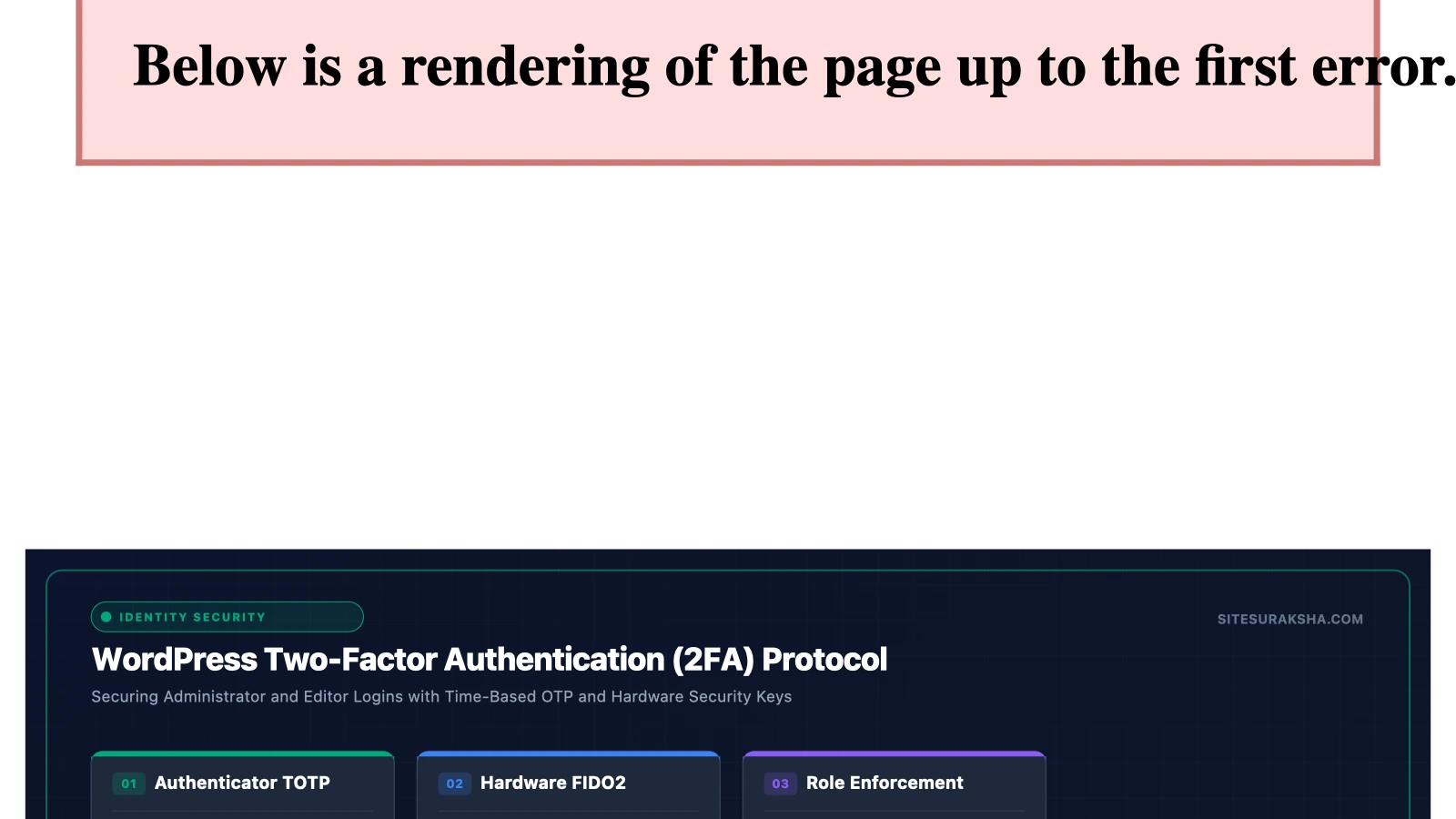
Problem Statement and Technical Impact
In modern enterprise environments, relying on primary authentication factors—specifically username and password combinations—introduces severe security risks across the entire WordPress application stack. Automated credential stuffing frameworks, continuous brute-force attacks targeting the wp-login.php endpoint, and XML-RPC amplification vectors systematically probe administrative interfaces. These exploitation techniques exploit predictable passwords, password reuse across distinct platforms, and the inherent single-factor vulnerability of standard WordPress installations.
Compromising a privileged WordPress account (such as Administrator, Editor, or custom roles with database or code execution capabilities) yields immediate remote code execution (RCE) vectors. Malicious actors frequently leverage administrative sessions to upload malicious themes or plugins containing PHP webshells, modify core database tables to inject persistent cross-site scripting (XSS) payloads, or redirect inbound traffic to drive-by download campaigns. Beyond administrative takeovers, low-privilege accounts can be exploited to pivot across underlying server infrastructure if privilege escalation vulnerabilities exist within installed extensions. Consequently, organizations must enforce cryptographic multi-factor mechanisms at the application layer to intercept unauthorized access attempts before session initialization occurs.
Root Cause Analysis and Authentication Architecture
The standard WordPress authentication lifecycle processes credentials synchronously through the wp_authenticate() pluggable function. When a user submits a POST request containing a username and password to wp-login.php or the JSON REST API (/wp-json/wp/v2/users), WordPress queries the wp_users database table, hashes the input password using phpass (a portable hash framework based on Blowfish/MD5 derivatives), and compares it against the stored hash. If valid, wp_set_auth_cookie() generates a secure session cookie, terminating the validation sequence without demanding additional verification factors.
Chat with an engineer on WhatsApp within 15 minutes.
This single-factor model lacks temporal validation and cryptographic entropy bound to an independent hardware or software token. Implementing Two-Factor Authentication (2FA)—specifically via Time-based One-Time Passwords (TOTP) conforming to RFC 6238—modifies this execution pipeline. TOTP generates a dynamic 6-digit passcode derived from a shared secret key ($K$) combined with the current Unix timestamp ($T$), calculated as:
TOTP = Truncate(HMAC-SHA1(K, T))Where $T$ is calculated using a standard time step interval ($X$, typically 30 seconds) from the epoch:
T = floor((CurrentTime - UnixEpoch) / X)By integrating a TOTP verification step between the credential validation phase and session cookie issuance, the application requires proof of physical or logical possession of a secondary cryptographic seed. If an attacker intercepts or cracks the primary password hash, the dynamic nature of the 30-second rotating TOTP window renders the stolen credential immediately obsolete, blocking unauthorized session generation.
Step-by-Step Implementation and Remediation Guide
Securing a production WordPress instance requires programmatic enforcement of 2FA across all administrative roles, utilizing WP-CLI for rapid deployment and precise configuration.
Step 1: Install and Configure the 2FA Plugin via WP-CLI
Execute the following commands within the WordPress root directory to install and network-activate a robust 2FA plugin, such as wp-2fa, bypassing manual dashboard interactions.
# Navigate to WordPress root directory
cd /var/www/html

# Install the WP 2FA plugin from the official repository
wp plugin install wp-2fa --activate

# Verify plugin status
wp plugin status wp-2fa
Step 2: Enforce Global Policy and Role Requirements
Configure the plugin options directly in the database using WP-CLI options commands to mandate 2FA for privileged roles while establishing a grace period for standard users.
# Enforce 2FA strictly for Administrators and Editors
wp option update wp_2fa_enforced_roles '["administrator","editor"]'

# Set grace period for existing users to 0 days (immediate enforcement)
wp option update wp_2fa_grace_period 0

# Permit only TOTP (Authenticator apps) and disable vulnerable methods like Email OTP
wp option update wp_2fa_enabled_methods '["totp"]'

# Configure trusted devices policy (allow device trust for max 30 days)
wp option update wp_2fa_trusted_devices_enabled 1
wp option update wp_2fa_trusted_device_expiry 30
Step 3: Programmatic User Enrollment Script
For large-scale enterprise deployments, automatically generate and assign individual TOTP secrets programmatically via a custom PHP script executed via WP-CLI. Create a file named enroll-2fa.php:
<?php
if ( ! defined( 'WP_CLI' ) || ! WP_CLI ) {
    return;
}

$users = get_users( array( 'role__in' => array( 'Administrator', 'Editor' ) ) );

foreach ( $users as $user ) {
    // Check if user already has 2FA configured
    $is_configured = get_user_meta( $user->ID, 'wp_2fa_enabled', true );

    if ( ! $is_configured ) {
        // Generate cryptographic secret using plugin helper classes if available
        // Or flag user for forced setup on next login
        update_user_meta( $user->ID, 'wp_2fa_enforce_setup', '1' );
        WP_CLI::line( "Forced 2FA setup flagged for user: " . $user->user_login );
    } else {
        WP_CLI::line( "User " . $user->user_login . " already configured." );
    }
}
WP_CLI::success( "2FA audit and enforcement flag complete." );
?>
Execute the script through WP-CLI:
wp eval-file enroll-2fa.php
Step 4: Hardening Login Endpoints
Complement application-level 2FA by restricting access to the underlying authentication script via Nginx or Apache directives. In your Nginx server block, apply rate limiting and IP whitelisting to wp-login.php:
# Rate limit requests to wp-login.php to mitigate resource exhaustion
location = /wp-login.php {
    limit_req zone=login burst=5 nodelay;

    # Optional: Restrict admin login access to known corporate IP ranges
    # allow 192.0.2.0/24;
    # deny all;

    include fastcgi_params;
    fastcgi_pass unix:/var/run/php/php8.2-fpm.sock;
    fastcgi_param SCRIPT_FILENAME $document_root$fastcgi_script_name;
}
Production Hardening and Edge Cases
Deploying 2FA in complex production environments introduces distinct edge cases, particularly regarding edge caching, XML-RPC services, and headless API integrations.
- Page Caching Conflicts: Full-page caching solutions (such as Varnish, Redis Object Cache, or Nginx FastCGI cache) must never cache
wp-login.php,wp-admin/routes, or custom REST API authentication endpoints. Ensure proper cache exclusion headers are sent:Cache-Control: no-cache, no-store, must-revalidate. - Headless WordPress and REST API: If your architecture decouples the frontend (e.g., Next.js or Gatsby) from the WordPress backend, standard TOTP cookie flows will fail. Implement JWT (JSON Web Tokens) combined with a custom application password plugin that enforces 2FA tokens upon initial token issuance.
- XML-RPC and Automated Scripts: XML-RPC does not natively support TOTP authentication tokens. Disable XML-RPC entirely if it is not required for remote publishing, as it serves as a primary vector for brute-force amplification attacks:
# Disable XML-RPC in Nginx configuration
location = /xmlrpc.php {
    deny all;
    return 444;
}
To validate the remediation in a staging environment, execute a cURL request simulating a direct login attempt without the TOTP parameter, verifying that the server responds with a 200 OK containing the 2FA challenge form rather than issuing an authentication cookie.
Diagnostic Verification and Checklist
After implementing 2FA across your WordPress environment, execute the following verification matrix to confirm functional integrity and security compliance.
| Check Item | Verification Method | Expected Outcome / Metric | Severity |
|---|---|---|---|
| Admin 2FA Enforcement | Attempt login as admin without TOTP | Redirect to 2FA challenge screen; session cookie withheld | Critical |
| XML-RPC Disablement | Send test XML-RPC request via cURL | HTTP 444 or HTTP 403 Forbidden response | High |
| Backup Code Validity | Log in using a generated emergency backup code | Successful login; code immediately invalidated in DB | High |
| Cache Exclusion | Inspect headers on /wp-login.php |
no-store, no-cache present in response headers |
Medium |
| Brute-Force Protection | Monitor authentication log files | Excessive failed attempts trigger IP block mechanisms | Critical |
Monitor system logs continuously to verify operational stability. Review authentication events in the PHP error logs and Web Application Firewall audit trails:
# Monitor authentication failures and 2FA challenges in real-time
tail -f /var/log/nginx/error.log | grep -i "wp-login"
Is Your Website Fast & Secure?
Run an instant scan for security vulnerabilities, bloated plugins, and TTFB latency.
Need Help Securing or Speeding Up Your Site?
Get 24/7 proactive security WAF, daily cloud backups, and sub-second speed optimization from ₹3,470/mo.