 Site
How a Content Creation Agency Can Elevate any Website to Number One on Google?
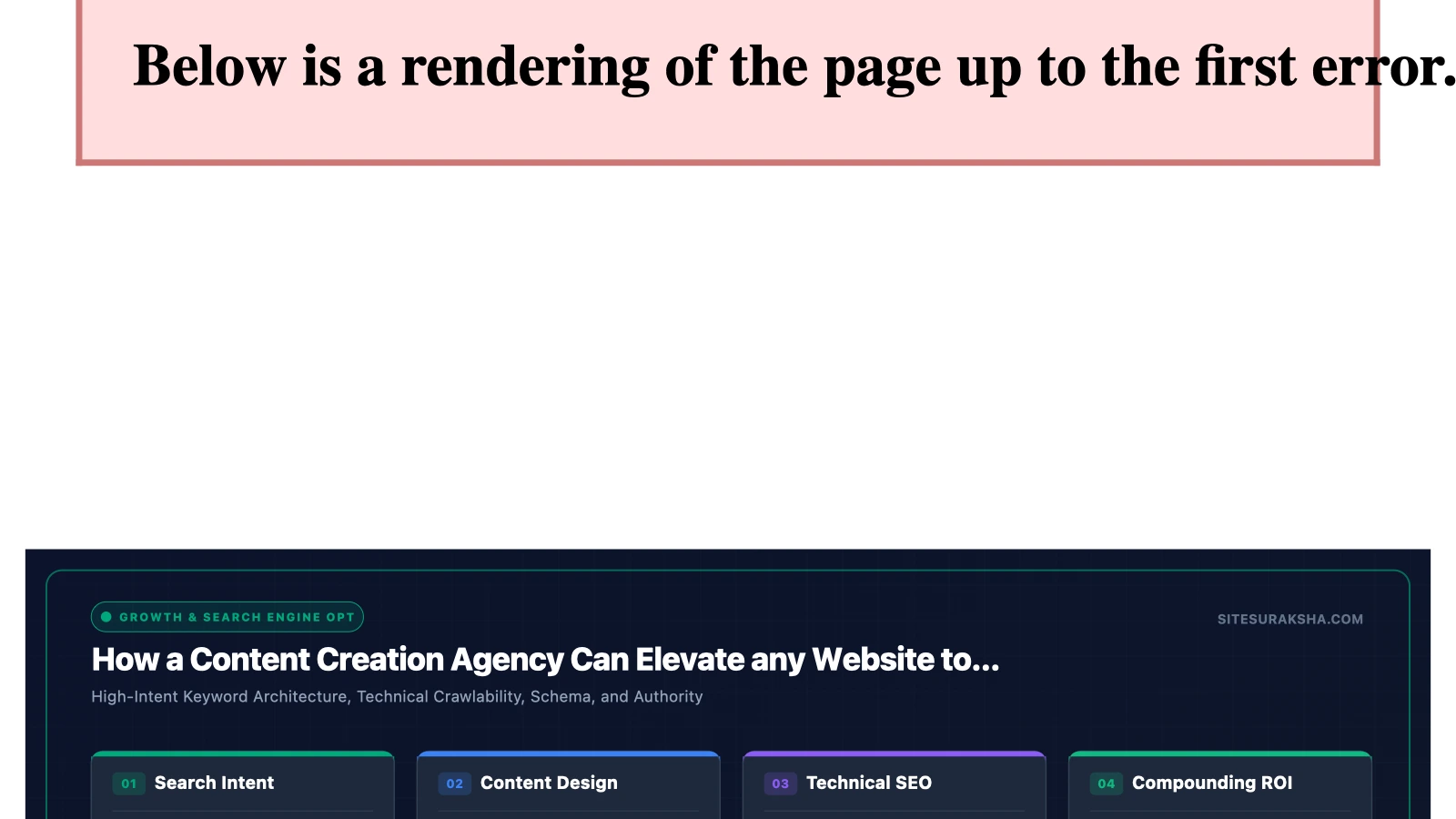
Engineering High-Performance Search Rankings: Architectural Strategies for WordPress Content and Infrastructure
Problem Statement & Impact
Achieving and sustaining top-tier search engine visibility requires a synthesis of robust technical performance, resilient infrastructure security, and structured, high-utility content engineering. Modern search algorithms evaluate digital properties holistically, penalizing platforms that suffer from latency, resource exhaustion, unpatched vulnerabilities, or shallow semantic relevance. In enterprise-grade WordPress deployments, the convergence of poor database query optimization, bloated plugin ecosystems, and unstructured content delivery networks (CDNs) creates cascading failures that directly depress organic visibility.
When a WordPress instance lacks adequate server-side hardening and query caching, every incoming HTTP request forces dynamic execution cycles across the PHP runtime and the MySQL database. This architectural bottleneck spikes Time to First Byte (TTFB), increases Largest Contentful Paint (LCP) metrics, and triggers Core Web Vitals failures. Search engines interpret these performance degradations as poor user experience indicators, systematically downranking the affected properties regardless of semantic keyword optimization.
Concurrently, vulnerabilities within the application layer expose the platform to malicious code injection, content scraping, and cross-site scripting (XSS) attacks. Security compromises often manifest as unauthorized content injection—such as hidden backlink spam or Pharma hack payloads—which instantly triggers manual actions or algorithmic penalties from search crawlers. Maintaining a dominant search position therefore demands an uncompromising engineering framework that secures the execution environment while systematically deploying authoritative, semantically rich content structures.
Chat with an engineer on WhatsApp within 15 minutes.
Root Cause Analysis & Architecture
The mechanics of search engine ranking algorithms rely on parsing Document Object Model (DOM) trees, evaluating entity relationships via Latent Semantic Indexing (LSI), and measuring behavioral telemetry such as dwell time and bounce rate. From an infrastructure perspective, failure to deliver these DOM trees rapidly stems from three primary architectural anti-patterns in WordPress:
- Uncached Dynamic Execution: Default WordPress configurations process requests via dynamic PHP execution, querying the
wp_posts,wp_postmeta, and `wp_options` tables repeatedly. Without object caching (e.g., Redis or Memcached) and full-page HTML caching, database lock contention degrades transaction throughput. - Unoptimized Asset Loading: Uncontrolled enqueuing of JavaScript and CSS files across plugins inflates Total Blocking Time (TBT) and blocks the critical rendering path. Search engine web scrapers evaluate resource load times, and timeouts during crawling result in incomplete indexing of deep content pages.
- Semantic Deficiency and Poor Information Architecture: Content that lacks strict Hypertext Markup Language (HTML5) semantic structures (such as missing
<article>,<section>, and explicit schema markup) prevents search engine crawlers from accurately categorizing entity relationships and context.
To overcome these systemic limitations, engineers must implement a tiered architecture consisting of an enterprise caching layer, a strict database indexing strategy, and a programmatic content deployment pipeline equipped with automated schema injection and performance validation.
Step-by-Step Implementation & Remediation Guide
1. Database Optimization and Indexing for Content Performance
High-volume content sites rapidly accumulate transient data in the `wp_options` table and bloated revision histories in `wp_posts`. This bloat slows down meta-query resolution during content rendering. Execute the following MySQL commands via WP-CLI or your database console to clean up autoloaded data and enforce optimal indexes.
# Purge expired transients and optimize tables
wp transient delete --expired
wp db optimize

# Inspect and clean autoloaded options exceeding standard thresholds
wp eval '$autoload_size = array_sum( array_map( "strlen", (array) $wpdb->get_col( "SELECT option_value FROM {$wpdb->options} WHERE autoload = \"yes\"" ) ) ); echo "Autoload size: " . round( $autoload_size / 1024 / 1024, 2 ) . " MB\n";'
Add explicit indexes to your post meta tables to accelerate custom field lookups utilized by advanced content and schema plugins:
ALTER TABLE wp_postmeta ADD INDEX post_id_meta_key (post_id(20), meta_key(50));
ALTER TABLE wp_posts ADD INDEX post_status_date (post_status, post_date);
2. Object Caching Configuration with Redis
Eliminate redundant database round-trips by implementing Redis object caching. Configure your wp-config.php file to define authentication salts and Redis connection parameters before loading the absolute path definitions.
/* Redis Object Cache Configuration */
define( 'WP_REDIS_HOST', '127.0.0.1' );
define( 'WP_REDIS_PORT', 6379 );
define( 'WP_REDIS_TIMEOUT', 1 );
define( 'WP_REDIS_READ_TIMEOUT', 1 );
define( 'WP_REDIS_DATABASE', 0 );
define( 'WP_REDIS_DISABLE_METRICS', true );
Install and enable the Redis object cache drop-in via WP-CLI:
wp plugin install redis-cache --activate
wp redis enable
3. Programmatic Schema Markup Integration
To ensure search engine crawlers accurately index content entities, programmatically inject JSON-LD structured data into the document head for all article and blog post types. Add the following function to your theme’s functions.php file or a custom site-specific plugin:
function sitesuraksha_inject_article_schema() {
if ( is_single() && 'post' === get_post_type() ) {
$post = get_queried_object();
$author_id = $post->post_author;
$schema = array(
'@context' => 'https://schema.org',
'@type' => 'TechArticle',
'headline' => get_the_title( $post->ID ),
'description' => get_the_excerpt( $post->ID ),
'datePublished' => get_the_date( 'c', $post->ID ),
'dateModified' => get_the_modified_date( 'c', $post->ID ),
'author' => array(
'@type' => 'Person',
'name' => get_the_author_meta( 'display_name', $author_id ),
),
'publisher' => array(
'@type' => 'Organization',
'name' => 'SiteSuraksha Engineering',
'logo' => array(
'@type' => 'ImageObject',
'url' => 'https://example.com/assets/logo.png',
),
),
);
echo '' . "\n";
}
}
add_action( 'wp_head', 'sitesuraksha_inject_article_schema', 5 );
4. Nginx Server Block Optimization for Static Caching
Offload static asset delivery and implement FastCGI caching in your Nginx configuration to ensure sub-100ms response times for content pages. Configure your server block as follows:
server {
    listen 443 ssl http2;
    server_name example.com;
    root /var/www/html;
    index index.php index.html;

    ssl_certificate /etc/letsencrypt/live/example.com/fullchain.pem;
    ssl_certificate_key /etc/letsencrypt/live/example.com/privkey.pem;

    # Bypass cache for authenticated users or cart items
    set $no_cache 0;
    if ($cookie_comment_author_精华 != "") { set $no_cache 1; }
    if ($arg_author_preview != "") { set $no_cache 1; }
    if ($request_uri ~* "/wp-admin/|/xmlrpc.php|wp-.*.php|sitemap(_index)?.xml") { set $no_cache 1; }

    location / {
        try_files $uri $uri/ /index.php?$args;
    }

    location ~ \.php$ {
        include snippets/fastcgi-php.conf;
        fastcgi_pass unix:/run/php/php8.2-fpm.sock;
        fastcgi_cache_bypass $no_cache;
        fastcgi_no_cache $no_cache;
        fastcgi_cache WORDPRESS;
        fastcgi_cache_valid 200 60m;
    }

    location ~* \.(js|css|png|jpg|jpeg|gif|ico|svg|woff|woff2)$ {
        expires max;
        log_not_found off;
        add_header Cache-Control "public, no-transform";
    }
}
Production Hardening & Edge Cases
Deploying aggressive caching and high-frequency content updates introduces specific edge cases that must be managed to prevent stale cache delivery or database lockups. When utilizing object caching with Redis, configure explicit eviction policies (such as allkeys-lru) in your redis.conf file to prevent memory exhaustion panics:
# /etc/redis/redis.conf settings
maxmemory 512mb
maxmemory-policy allkeys-lru
Content generation pipelines often utilize automated publishing scripts or editorial workflows that invoke REST API endpoints. Ensure that your rate-limiting configurations do not block legitimate internal publishing routines while still mitigating distributed denial-of-service (DDoS) vectors targeting xmlrpc.php or wp-json/wp/v2/posts. Implement IP-based allowlisting for administrative endpoints using web application firewall (WAF) rules.
Furthermore, ensure that full-page cache purging is triggered programmatically whenever a post is updated. Hook into the WordPress transition post status action to invalidate cached URIs instantly:
function sitesuraksha_purge_cache_on_save( $post_id ) {
    if ( wp_is_post_revision( $post_id ) ) {
        return;
    }
    // Clear Redis cache group or trigger Nginx FastCGI purge
    if ( function_exists( 'redis_object_cache_flush' ) ) {
        redis_object_cache_flush();
    }
}
add_action( 'save_post', 'sitesuraksha_purge_cache_on_save' );
Diagnostic Verification & Checklist
Post-implementation validation requires systematic verification across network, application, and search engine telemetry layers. Execute the checklist below to confirm optimal system performance and search indexing readiness.
| Verification Vector | Diagnostic Tool / Command | Target Metric / Expected Result |
|---|---|---|
| HTTP Response & Caching | curl -I https://example.com/sample-article/ |
X-Cache: HIT or FastCGI-Cache: HIT with HTTP status 200 OK. |
| Database Query Overhead | Query Monitor Plugin / WP-CLI | Total database queries under 30 per page load; duplicate queries eliminated. |
| Structured Data Validity | Google Rich Results Test / cURL | Valid JSON-LD schema payload parsed without parsing errors or missing required properties. |
| Core Web Vitals | Google PageSpeed Insights API | LCP < 2.5s, INP < 200ms, CLS < 0.1 on mobile and desktop viewports. |
| Security & File Integrity | SiteSuraksha Scanner / AIDE | Zero unpatched CVEs, strict file permissions (644 for files, 755 for directories). |
Continuous monitoring of server error logs (/var/log/nginx/error.log and /var/log/php8.2-fpm.log) is mandatory during the initial 72 hours following architectural updates to isolate asynchronous processing exceptions or memory limit constraints.
Is Your Website Fast & Secure?
Run an instant scan for security vulnerabilities, bloated plugins, and TTFB latency.
Need Help Securing or Speeding Up Your Site?
Get 24/7 proactive security WAF, daily cloud backups, and sub-second speed optimization from ₹3,470/mo.