 Site
How Daily Backups Saved Our Client’s ₹12-Lakh E-Commerce Store
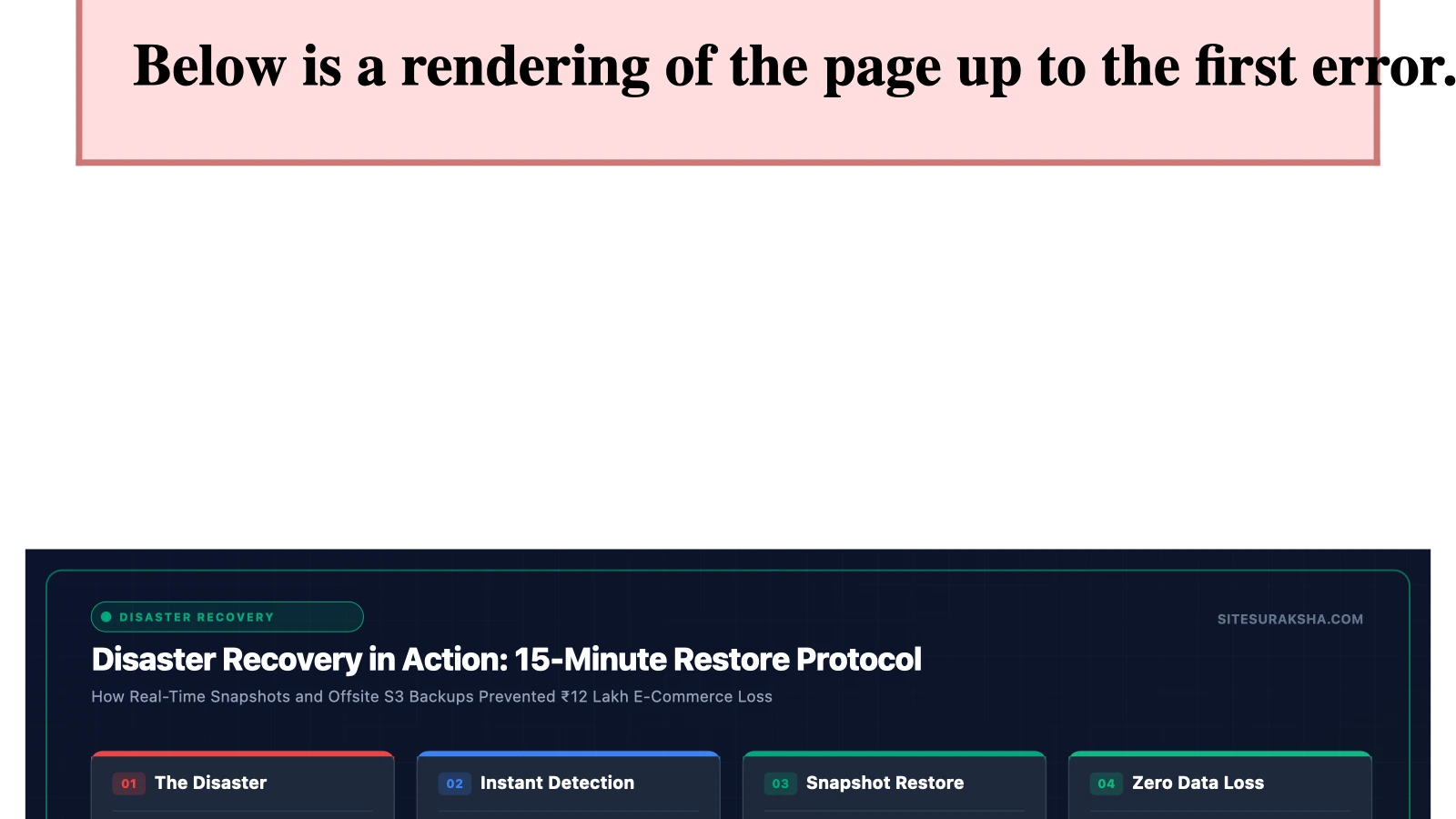
On a Tuesday morning in November, we received a call that every website owner dreads.
“My entire store is gone. It’s just a white screen. We have an order to ship today and I can’t see anything.”
The caller was the owner of a mid-sized WooCommerce store based in Hyderabad selling traditional Indian clothing online. The store was generating approximately ₹12 lakh in monthly revenue — about ₹40,000 a day. Every hour of downtime was costing real money.
Chat with an engineer on WhatsApp within 15 minutes.
Here’s what happened, how we fixed it in under an hour, and — most importantly — the one thing that made recovery possible.
What Went Wrong
The night before, a well-intentioned staff member had logged into the WordPress dashboard and clicked “Update All” on the plugins page. Sixteen plugins updated simultaneously.
One of them — a popular payment gateway plugin — had a version conflict with the store’s theme. The update crashed the site into the dreaded White Screen of Death (WSOD): a completely blank page with no error message, no dashboard access, and no way to process orders.
To make matters worse:
- The staff member didn’t know how to access the site via FTP or SSH
- The hosting provider’s support team had a 24-hour response time
- The store’s last backup? Three months old — from when the site was originally set up
Without a recent backup, the options were grim: manually troubleshoot the conflict (which could take days), or rebuild the store from scratch using that three-month-old backup and lose all orders, product updates, and customer data from the last quarter.
The 47-Minute Recovery
Thankfully, this store was already on a SiteSuraksha maintenance plan when the incident occurred. Here’s exactly how the recovery unfolded:
9:14 AM — Our automated monitoring system detected the downtime and triggered an alert.
9:17 AM — The client called. Our account manager was already aware of the issue.
9:22 AM — We pulled the daily backup from the previous night (taken at 2:00 AM IST, stored on a separate encrypted server in our Mumbai data centre).
9:35 AM — Full site restoration initiated. Database, files, uploads, and configuration — everything reverted to the pre-update state.
9:51 AM — The store was live again. All products, all orders, all customer data intact. Not a single rupee of data lost.
10:15 AM — We manually updated the conflicting plugin on a staging copy, identified the incompatibility, applied a fix, and deployed the corrected update to the live site.
Total downtime: 47 minutes. Data lost: Zero.
What Would Have Happened Without Daily Backups
Let’s be brutally honest about the alternative:
- With a 3-month-old backup: The store would have lost 90 days of product updates, pricing changes, customer accounts, and order history. Restoring from it would still take 4–6 hours, and then weeks of manual work to recreate what was lost.
- Without any backup: Rebuilding the store from scratch — theme, products (500+ items), payment gateway configuration, tax setup, shipping rules, customer database. Estimated time: 2–4 weeks. Estimated cost: ₹1,50,000–₹3,00,000. Lost revenue during rebuilding: ₹8,00,000+.
- The reputational damage: Customers who placed orders would see error pages. Google’s crawler would flag the site as down. Existing Google Shopping campaigns would burn budget sending traffic to a dead page.
The 3-2-1 Backup Rule
The gold standard for backup strategy is the 3-2-1 rule, adapted here for WordPress:
- 3 copies of your data (the live site + 2 backups)
- 2 different storage types (your hosting server + a separate cloud location)
- 1 off-site location (a backup that isn’t on the same server or even the same data centre as your website)
Here’s why each part matters:
Why 3 copies? If your server crashes and your only backup is on that same server, you’ve lost everything. If your backup drive fails and you only had 2 copies, you’re down to the live site — which might already be compromised.
Why 2 storage types? Hosting servers fail. Cloud services have outages. Having backups in different environments (e.g., your hosting server + Google Cloud Storage) protects against single points of failure.
Why 1 off-site? If your Mumbai data centre has a catastrophic failure (fire, flooding, power loss), a backup in a separate location means your data survives.
What Your Backup System Actually Needs
Not all backup solutions are equal. Here’s what separates a production-grade backup system from a basic one:
| Feature | Basic (Plugin-Based) | Professional (Managed) |
|---|---|---|
| Frequency | Weekly or manual | Daily or hourly |
| Storage | Same server | Encrypted offsite |
| Monitoring | None — you check manually | Automated alerts on failure |
| Restoration | Manual (FTP knowledge required) | One-click or managed by team |
| Database included | Sometimes | Always |
| Testing | Never | Quarterly restore tests |
| Retention | 2–3 copies | 30+ days of rolling history |
The most dangerous illusion in WordPress is “I have a backup plugin installed.” Having a backup plugin installed is not the same as having working, tested, off-site backups running daily. We’ve encountered clients with backup plugins that hadn’t successfully completed a backup in months — because the server ran out of disk space and nobody noticed.
Real Numbers: The ROI of Daily Backups
Let’s calculate the return on investment for a typical Indian small business:
Cost of a professional maintenance plan with daily backups: ~₹5,000/month = ₹60,000/year
Cost of ONE major incident without proper backups:
- Hacked site cleanup: ₹30,000
- Or: Site rebuild after data loss: ₹1,50,000+
- Or: Lost revenue during 3-day downtime: ₹1,20,000 (for a store doing ₹40,000/day)
The maintenance plan pays for itself the moment you avoid a single incident. And it’s not a matter of if — it’s a matter of when. Every WordPress site will eventually face a plugin conflict, a hacking attempt, or a server failure.
Five Things You Should Do Right Now
- Check your current backup status. Log into your WordPress dashboard and verify: Is a backup plugin installed? When did it last run successfully? Where are the backups stored?
- Run a manual backup today. Don’t wait for the scheduled one. If you use UpdraftPlus, Duplicator, or BlogVault, trigger a full backup right now and download a copy to your computer.
- Verify your backup works. A backup you’ve never tested is a backup that might not work. Set up a local test environment (using Local by Flywheel or XAMPP) and try restoring from your backup file.
- Move your backups off-site. If your backups are stored on the same server as your website, move them. Connect your backup plugin to Google Drive, Dropbox, or Amazon S3.
- Automate everything. Set up daily backups with automatic off-site storage. If this sounds complicated, it’s exactly the kind of thing a professional maintenance service handles for you.
Don’t Wait for the Phone Call
Our Hyderabad client was lucky. They had daily backups in place, and a team ready to restore within minutes. Not every story ends this well.
If you’d like the peace of mind that comes from knowing your website is backed up every single day, stored on encrypted Indian servers, with a team that can restore it in under an hour — see how SiteSuraksha can help →
Every SiteSuraksha plan includes automated daily backups with encrypted off-site storage and 1-hour restoration SLA. Learn more →
Is Your Website Fast & Secure?
Run an instant scan for security vulnerabilities, bloated plugins, and TTFB latency.
Need Help Securing or Speeding Up Your Site?
Get 24/7 proactive security WAF, daily cloud backups, and sub-second speed optimization from ₹3,470/mo.