 Site
The Complete WordPress Security Checklist for Indian Business Websites
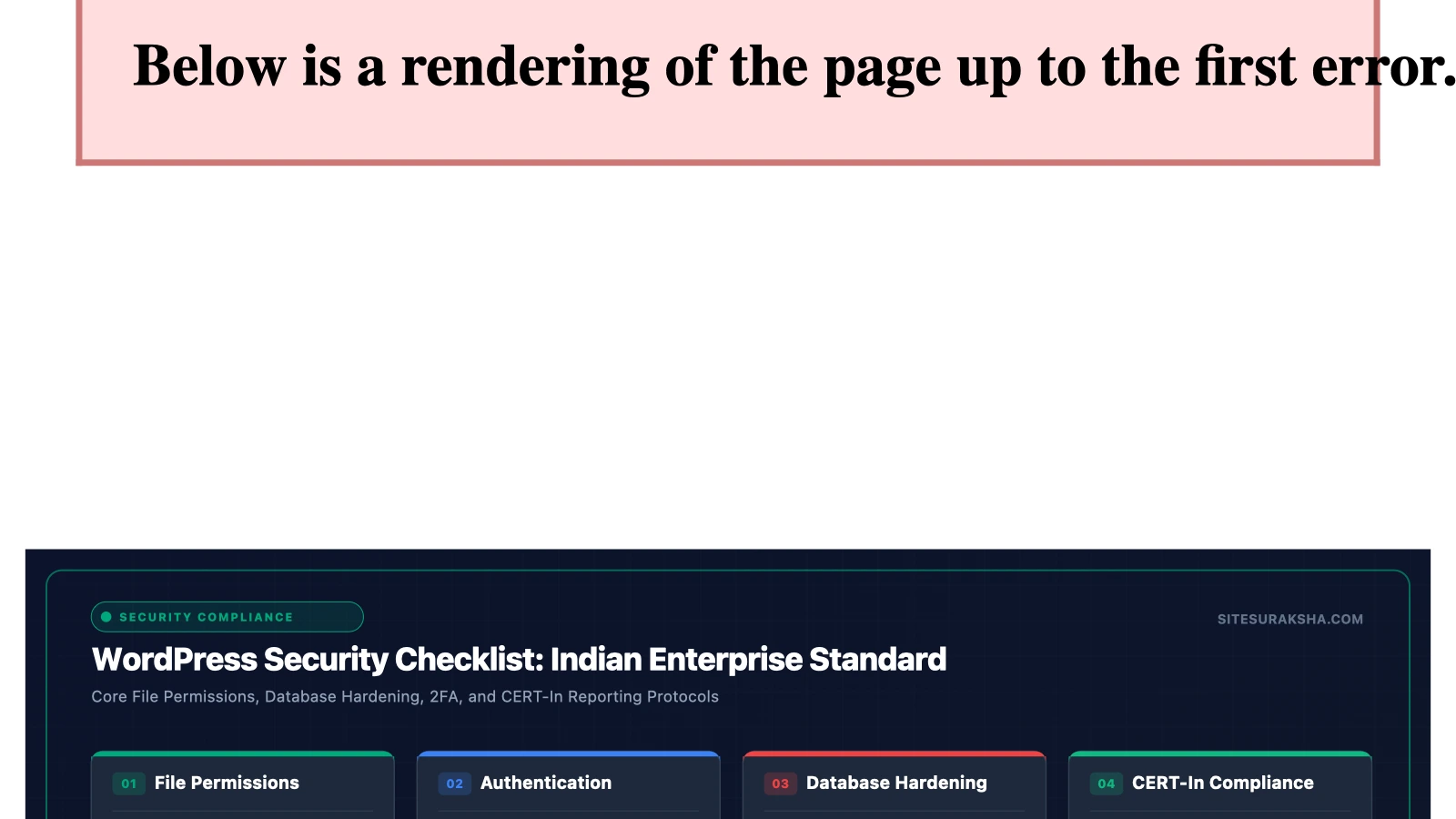
WordPress powers over 43% of all websites on the internet. That’s an incredible number — and it also means WordPress is the single most targeted platform by hackers, bots, and malware distributors worldwide.
For Indian businesses, the stakes are particularly high. The Indian Computer Emergency Response Team (CERT-In) reported handling over 16 lakh cybersecurity incidents in 2023 alone, with small business websites being a primary target. Many of these attacks succeeded because of basic, preventable security gaps.
This checklist gives you 15 actionable steps to harden your WordPress site. Some you can do yourself in an afternoon; others require a hosting provider or maintenance team. Either way, after reading this, you’ll know exactly where your site stands — and what needs fixing.
Chat with an engineer on WhatsApp within 15 minutes.
Level 1: The Basics (Do These Today)
✅ 1. Change the Default Admin Username
If your WordPress login username is still “admin,” you’re making it trivially easy for attackers. Brute-force bots try “admin” as the username in 100% of attacks.
How to fix it:
- Create a new administrator account with a unique username (your name, your initials — anything except “admin”)
- Log in with the new account
- Delete the old “admin” account (reassign posts to the new user when prompted)
✅ 2. Use Strong, Unique Passwords
Your password must be at least 16 characters long, with a mix of uppercase, lowercase, numbers, and symbols. Better yet, use a passphrase — something like Kochi-Monsoon-2024!BlueSky.
Never reuse passwords. If your email password and WordPress password are the same, a breach in one system compromises both.
✅ 3. Enable Two-Factor Authentication (2FA)
Even if someone steals your password, 2FA adds a second layer of protection. Install a free plugin like WP 2FA or Google Authenticator and enable it for all administrator and editor accounts.
✅ 4. Install an SSL Certificate
SSL encrypts data between your visitor’s browser and your server. Without it:
- Browsers display a scary “Not Secure” warning
- Google penalises your site in search rankings
- Customer data (contact form submissions, login credentials) can be intercepted
Most hosting providers offer free SSL via Let’s Encrypt. There is no valid excuse for not having this in 2025.
✅ 5. Delete Unused Themes and Plugins
Every theme and plugin installed on your site — even if it’s deactivated — is a potential attack vector. If you’re not using it, delete it. Not deactivate. Delete.
Check your plugin list: if you have more than 15 active plugins, audit which ones are truly necessary.
Level 2: Hardening (This Week)
✅ 6. Keep WordPress Core, Themes, and Plugins Updated
Outdated software is the #1 cause of WordPress hacks. Period.
WordPress releases security patches regularly, and plugin developers do the same. When you ignore that little red “Updates Available” badge, you’re leaving known vulnerabilities wide open.
Pro tip: Never update directly on a live site without a backup. Update on a staging environment first, or ensure your maintenance provider handles this safely.
✅ 7. Limit Login Attempts
By default, WordPress allows unlimited login attempts. This makes brute-force attacks — where bots try thousands of password combinations — absurdly easy.
Install a plugin like Limit Login Attempts Reloaded to restrict failed login attempts and temporarily block suspicious IP addresses.
✅ 8. Change the Default Login URL
Your WordPress login page is at yoursite.com/wp-admin by default. Every hacker knows this. Changing it to a custom URL (like /my-secret-login) eliminates 99% of automated login attacks.
Use a plugin like WPS Hide Login to change this in seconds.
✅ 9. Disable File Editing in the Dashboard
WordPress has a built-in code editor that allows administrators to edit plugin and theme files directly from the dashboard. If a hacker gains admin access, this feature lets them inject malicious code instantly.
Add this line to your wp-config.php file:
define('DISALLOW_FILE_EDIT', true);✅ 10. Set Correct File Permissions
Incorrect file permissions can allow anyone on the server to read or modify your site files. The correct permissions are:
| File/Directory | Permission |
|---|---|
| Folders | 755 |
| Files | 644 |
| wp-config.php | 440 or 400 |
Ask your hosting provider to verify these if you’re unsure how to check.
Level 3: Advanced Protection (Professional Setup)
✅ 11. Install a Web Application Firewall (WAF)
A WAF filters and blocks malicious traffic before it reaches your website. It protects against SQL injection, cross-site scripting (XSS), DDoS attacks, and more.
Cloud-based options include Cloudflare (free tier available) and Sucuri. Server-level WAFs provide even better protection when configured by your hosting provider.
✅ 12. Enable Automated Daily Backups
Security isn’t just about prevention — it’s about recovery. If your site is compromised, a recent backup means the difference between a 2-hour recovery and a 2-week rebuild.
Your backup system should:
- Run daily (or more frequently for e-commerce)
- Store backups off-site (not on the same server as your website)
- Be encrypted
- Allow one-click restoration
✅ 13. Implement Security Headers
HTTP security headers tell browsers how to behave when handling your site’s content. Key headers include:
- Content-Security-Policy — prevents XSS attacks
- X-Frame-Options — prevents clickjacking
- X-Content-Type-Options — prevents MIME-type sniffing
- Strict-Transport-Security (HSTS) — forces HTTPS connections
These are typically configured at the server level (in your .htaccess file or Nginx config).
✅ 14. Monitor Your Site with Uptime and Change Detection
You need to know the moment something goes wrong. Set up:
- Uptime monitoring — tools like UptimeRobot that ping your site every 5 minutes and alert you via SMS/WhatsApp if it goes down
- File change detection — alerts you if any core WordPress file is modified unexpectedly (a strong indicator of hacking)
✅ 15. Conduct Regular Security Audits
A full security audit every quarter catches issues that automated tools miss. This includes:
- Reviewing user accounts and access levels
- Checking for leaked credentials on the dark web
- Verifying backup integrity (actually test a restoration)
- Reviewing server logs for suspicious patterns
The Indian Context: Why This Matters More for You
India-specific factors make WordPress security non-optional:
- CERT-In reporting requirements: Under the Information Technology (The Indian Computer Emergency Response Team and Manner of Performing Functions and Duties) Rules, 2013, businesses must report cybersecurity incidents to CERT-In within 6 hours of discovery. If your website is hacked and you didn’t know for 3 weeks because you had no monitoring — that’s a problem.
- DPDPA 2023 penalties: The Digital Personal Data Protection Act imposes penalties of up to ₹250 crore for data breaches resulting from inadequate security measures. Even a simple contact form collects personal data.
- Rising targeted attacks: Indian SME websites are increasingly targeted because they’re perceived as “soft targets” — built once, never maintained, running outdated software.
Your 30-Minute Security Sprint
If you do nothing else after reading this article, spend 30 minutes on these three items:
- Change your admin username and set a 16+ character password (10 minutes)
- Delete all inactive themes and plugins (10 minutes)
- Install Two-Factor Authentication (10 minutes)
These three steps alone will eliminate a massive percentage of the attack surface on your website.
For a comprehensive, hands-off security setup — including WAF protection, daily backups, 24/7 monitoring, and Indian data centre hosting — explore SiteSuraksha’s maintenance plans →
SiteSuraksha provides proactive WordPress security and maintenance for Indian businesses. Every site we manage is protected by enterprise-grade firewalls, daily encrypted backups, and round-the-clock monitoring. Talk to our team →
Is Your Website Fast & Secure?
Run an instant scan for security vulnerabilities, bloated plugins, and TTFB latency.
Need Help Securing or Speeding Up Your Site?
Get 24/7 proactive security WAF, daily cloud backups, and sub-second speed optimization from ₹3,470/mo.