 Site
6 top tips for creating compelling website copy
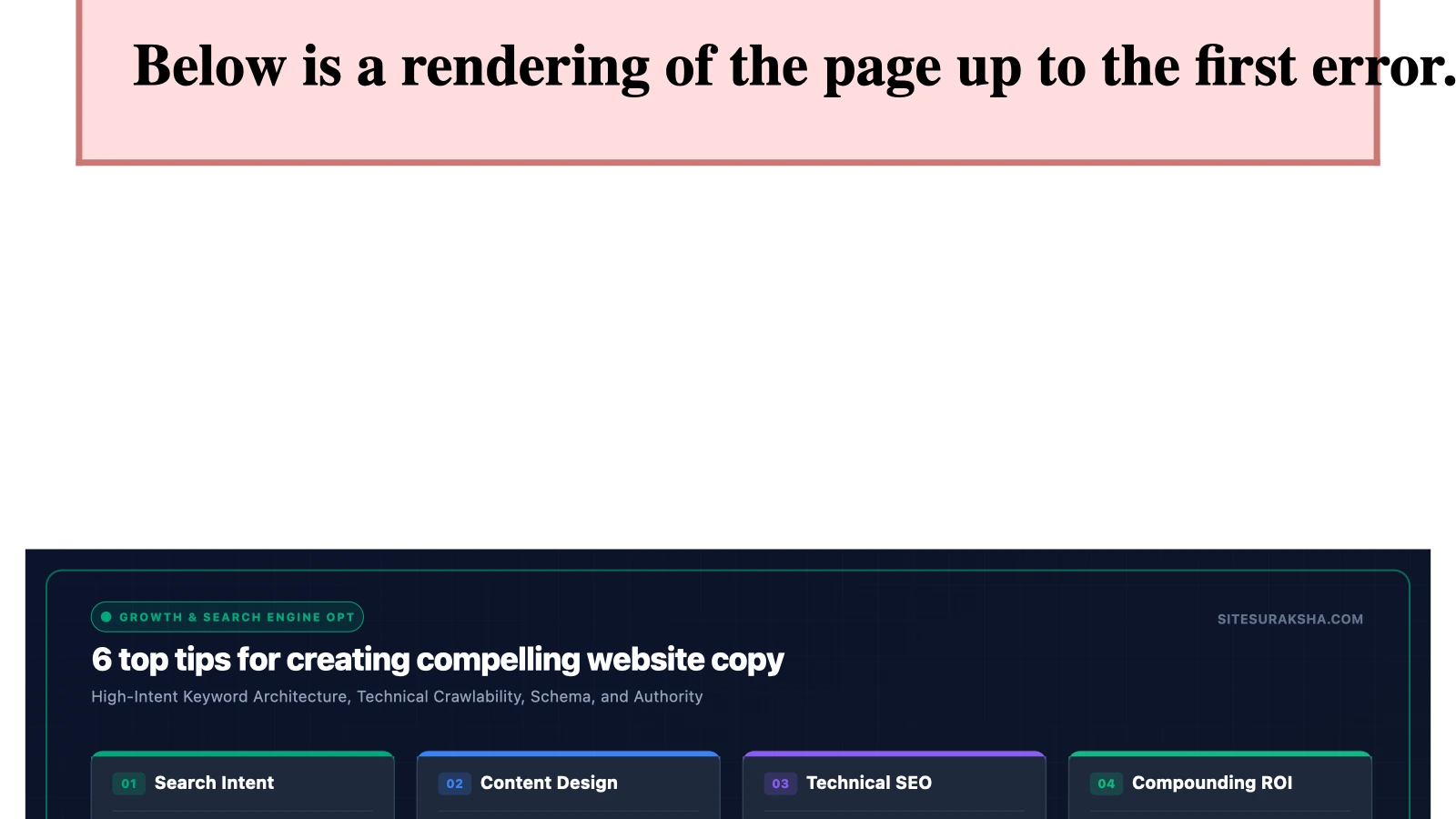
Optimizing website copy goes beyond traditional creative writing; it requires deep synchronization with your content management architecture, technical SEO frameworks, and conversion rate optimization (CRO) telemetry. When clients insist on authoring their own web copy for a WordPress deployment, developers and system architects must implement rigid structural guidelines to ensure the raw text does not negatively impact search engine indexing, page load latency, or conversion funnels. This manual outlines technical strategies and programmatic methods to structure, refine, and deploy high-performing website copy within a WordPress production environment.
1. Architectural Foundations of the Hero Section
The primary viewport element—commonly referenced as the hero section—is the most critical real estate on any WordPress installation. From a technical and performance standpoint, this area dictates the Largest Contentful Paint (LCP) metric, which directly influences Core Web Vitals assessments. Client-authored copy often suffers from excessive length, uncompressed embedded media, and lack of distinct semantic hierarchy, which delays rendering and damages organic search positioning.
To enforce performance and clarity within the hero section, developers should implement strict HTML5 semantic tagging using custom block templates or modified theme files. The headline must utilize an explicit <h1> tag, restricted to a maximum character count that prevents layout shifting across viewport breakpoints. The value proposition embedded in this section must instantly articulate the core offering without triggering database queries or relying on heavy JavaScript execution.
Chat with an engineer on WhatsApp within 15 minutes.
When reviewing client-submitted copy for the hero section, enforce these structural constraints:
- Primary Heading (H1): Maximum 60 characters, containing the primary target keyword and immediate value proposition.
- Supporting Subheading (H2/Paragraph): Maximum 120 characters, defining the mechanics of the service or product.
- Immediate Call to Action (CTA): Single primary action element mapped directly to a conversion endpoint or anchor link.
- Media Asset Optimization: Inline CSS containment and priority loading attributes for any associated background imagery to optimize LCP.
2. Personalization and Audience Segmentation Mechanics
Generic messaging leads to high bounce rates and low engagement metrics. Effective copy must address the user directly, leveraging second-person pronouns and dynamic audience segmentation. In advanced WordPress deployments, this direct-address approach can be enhanced dynamically using session data, user meta, or geolocation parameters, allowing the copy to adapt based on who is viewing the page.
Implementing dynamic text replacement requires clean PHP functions integrated into custom shortcodes or block render callbacks. Below is an example of a secure PHP snippet that injects contextual user data or fallback messaging into client copy without introducing database vulnerabilities or compromising caching layers.
<?php
/**
 * Plugin Name: SiteSuraksha Dynamic Copy Injector
 * Description: Safely renders personalized copy elements based on user state.
 * Version: 1.0.0
 */

function sitesuraksha_dynamic_greeting_shortcode( $atts ) {
    $atts = shortcode_atts( array(
        'default' => 'Valued Visitor',
    ), $atts, 'dynamic_greeting' );

    if ( is_user_logged_in() ) {
        $current_user = wp_get_current_user();
        $name = esc_html( $current_user->display_name );
    } else {
        $name = esc_html( $atts['default'] );
    }

    return 'Hello, ' . $name . '. Let us secure your digital assets.';
}
add_shortcode( 'dynamic_greeting', 'sitesuraksha_dynamic_greeting_shortcode' );
?>
By abstracting personalized text generation into secure, server-side functions, developers ensure that the copy remains engaging while maintaining compatibility with full-page caching mechanisms like Redis or Varnish.
3. Translating Technical Features into Quantifiable Benefits
Clients frequently fall into the trap of detailing internal operational mechanics rather than focusing on end-user utility. Website copy must ruthlessly translate product specifications and feature lists into explicit, quantifiable benefits. Visitors evaluate web applications and service offerings through a singular lens: return on investment, time saved, risk mitigated, or efficiency gained.
When restructuring feature-heavy copy, enforce a strict transformation matrix. Every technical attribute must link directly to a business or personal outcome. This can be structured systematically within your WordPress custom post types or block fields using repeater structures.
| Client Feature Draft | Technical Reality | Optimized Benefit-Driven Copy |
|---|---|---|
| “We use multi-threaded database queries.” | Optimized SQL indexing and connection pooling. | “Zero lag during peak traffic spikes.” |
| “Our platform has an uptime guarantee.” | High-availability clustering and failover systems. | “Never miss a transaction with 99.99% reliability.” |
| “Automated daily system updates.” | Cron-driven background package patching. | “Eliminate security vulnerabilities automatically.” |
4. Enforcing Brevity and Readability at the Code Level
Cognitive load directly impacts conversion velocity. Dense paragraphs and convoluted sentence structures cause users to abandon pages prematurely. Editing client copy requires enforcing rigorous brevity standards. Every unnecessary adjective, redundant phrase, and auxiliary clause must be stripped away to maximize readability.
To maintain this standard across multi-author WordPress environments, administrators can implement automated content linting using custom WP-CLI commands or admin hooks. The following bash script utilizes WP-CLI to scan post content for overly long paragraphs and complex sentence patterns, flagging pages that violate readability thresholds before publication.
#!/bin/bash
# Audit WordPress posts for excessively long paragraphs exceeding word count limits

wp post list --post_type=page,post --format=ids | while read -r post_id; do
    content=$(wp post get $post_id --field=content --format=raw)

    # Check for unformatted dense text blocks using WP-CLI evaluation
    php -r "
        \$content = '$content';
        \$paragraphs = explode('', \$content);
        foreach (\$paragraphs as \$index => \$p) {
            \$word_count = str_word_count(strip_tags(\$p));
            if (\$word_count > 75) {
                echo 'WARNING: Post ID $post_id has a dense paragraph (\#'.(\$index+1).') with ' . \$word_count . ' words.\n';
            }
        }
    "
done
Integrating this validation check into your CI/CD deployment pipeline prevents bloated, unreadable copy from reaching production environments.
5. Technical SEO and Semantic Keyword Integration
Persuasive copy is entirely ineffective if search engine crawlers cannot index the underlying text or understand its semantic relevance. Search engine optimization must be woven directly into the text architecture without compromising natural readability. Keywords must appear in strategic DOM nodes, including title tags, meta descriptions, <h1> elements, and the initial 100 words of body copy.
When configuring on-page SEO elements in WordPress via plugins like Yoast or RankMath, ensure that keyword stuffing is avoided. Search algorithms utilize advanced natural language processing (NLP) to evaluate topical depth, synonym usage, and contextual relevance. Clients must be guided away from repetitive keyword targeting in favor of latent semantic indexing (LSI) terms.
Execute the following SQL query via WP-CLI or your database management console to audit existing meta descriptions and ensure they meet optimal length parameters for search engine result pages (SERPs):
wp db query "SELECT post_id, meta_value FROM wp_postmeta WHERE meta_key = '_yoast_wpseo_metadesc' AND (LENGTH(meta_value) < 120 OR LENGTH(meta_value) > 160);"Adjusting meta descriptions to fall precisely within the 120-to-160 character window maximizes click-through rates from search engine result pages.
6. Designing High-Conversion Call-to-Action (CTA) Elements
The final component of any effective web page is the conversion mechanism. Generic phrases like “Click Here” or “Submit” provide zero contextual value and fail to trigger psychological commitment. CTAs must reinforce the immediate benefit to the user while aligning with the brand’s tone of voice.
From a technical perspective, CTAs should be implemented as distinct, trackable elements using event listeners attached to button classes or data attributes. This allows analytics platforms to capture user interaction telemetry accurately.
Ensure your WordPress theme templates utilize structured button components that support ARIA accessibility attributes:
<div class="wp-block-button is-style-fill">
    <a class="wp-block-button__link wp-element-button"
       href="/secure-checkout/"
       role="button"
       aria-label="Unlock your free security audit and secure your website today"
       data-cta-category="Conversion"
       data-cta-action="Click"
       data-cta-label="Hero-CTA">
       Unlock My Security Audit
    </a>
</div>
Production Verification and Deployment Checklist
Before pushing client-authored and developer-refined copy to a live WordPress production server, system administrators and quality assurance engineers must execute a rigorous verification protocol. This ensures that styling rules, performance metrics, and tracking mechanisms function without degradation.
| Verification Check | Target Metric / Status | Verification Method |
|---|---|---|
| Hero Section LCP | < 2.5 Seconds | Google Lighthouse / WebPageTest |
| Readability Score | Flesch Reading Ease > 60 | Automated WP-CLI / Content Linting Script |
| SEO Meta Lengths | Title < 60 chars, Desc 120-160 chars | Database Audit via SQL / WP-CLI |
| CTA Event Tracking | Zero console errors on click events | Browser Developer Tools / Google Tag Assistant |
| Mobile Responsiveness | Zero horizontal overflow at 320px width | Viewport Emulation in Staging Environment |
By enforcing these technical governance standards, you ensure that client-authored copy achieves its primary business objectives without compromising the security, speed, or search engine performance of the underlying WordPress installation.
Is Your Website Fast & Secure?
Run an instant scan for security vulnerabilities, bloated plugins, and TTFB latency.
Need Help Securing or Speeding Up Your Site?
Get 24/7 proactive security WAF, daily cloud backups, and sub-second speed optimization from ₹3,470/mo.